遇到这个提示一般是在pom.xml中已经指定了构建的Java版本环境是11例如(此时添加了build插件的情况下虽然不能直接运行代码但是maven是可以正常打包构建):
<build>
    <plugins>
        <plugin>
            <groupId>org.apache.maven.plugins</groupId>
            <artifactId>maven-compiler-plugin</artifactId>
            <configuration>
                <source>11</source>
                <target>11</target>
            </configuration>
        </plugin>
    </plugins>
</build>

<properties>
    <maven.compiler.source>11</maven.compiler.source>
    <maven.compiler.target>11</maven.compiler.target>
    <project.build.sourceEncoding>UTF-8</project.build.sourceEncoding>
</properties>
但是idea中的jdk版本配置不正确,主要有以下几处位置:
1、“Settings” -> “Build, Execution, Deployment” -> “Compiler” -> “Java Compiler”,设置"Target bytecode version"为11

2、“File” -> “Project Structure” -> “Project Settings” -> “Project”,检查"Project language level"是否设置为"11 - Local variable type inference"

3、“File” -> “Project Structure” -> “Project Settings” -> “Modules”,检查"Project language level"是否设置为"11 - Local variable type inference"

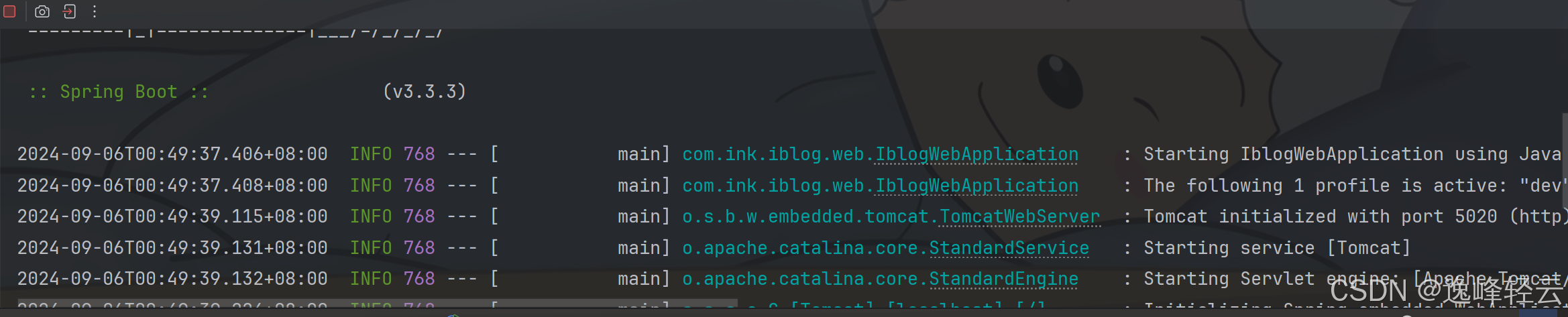
Dependencies中也需要修改,这个一般容易被忽略:







![[数据集][目标检测]西红柿缺陷检测数据集VOC+YOLO格式17318张3类别](https://i-blog.csdnimg.cn/direct/f55fa1e09fbd4ca49a337acaacc017b6.png)