进入conda安装目录激活环境
D:\Anacoda3>conda activate base
安装playwright
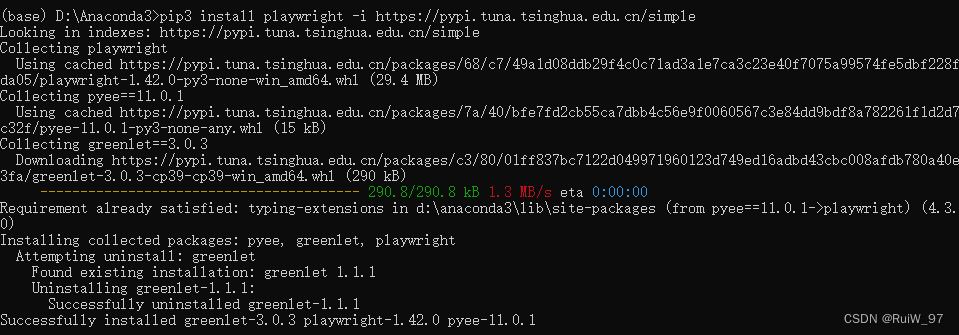
(base)D:\Anacoda3>pip3 install playwright -i https://pypi.tuna.tsinghua.edu.cn/simple
(base)D:\Anacoda3>python -m playwright install
实操
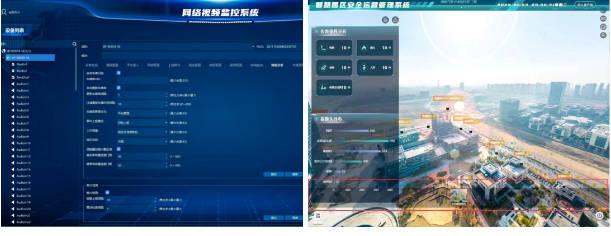
使用Playwright无需写一行代码,我们只需手动操作浏览器,它会录制我们的操作,然后自动生成代码脚本。
python -m playwright codegen --target python -o test_01.py -b chromium https://10.65.1.2 --ignore-https-errors


![[蓝桥杯 2020 省 B2] 平面切分](https://img-blog.csdnimg.cn/direct/6da0e7ec4a044441b46ae6e7a9d76583.png)



![基于JavaWeb开发的springboot网咖管理系统[附源码]](https://img-blog.csdnimg.cn/direct/c102749a5c56420d98647cf8041dfb54.png)