ubuntu 安装 jetbrains-toolbox
官网下载 jetbrains-toolbox
jetbrains 官网
jetbrains 官网:https://www.jetbrains.com/
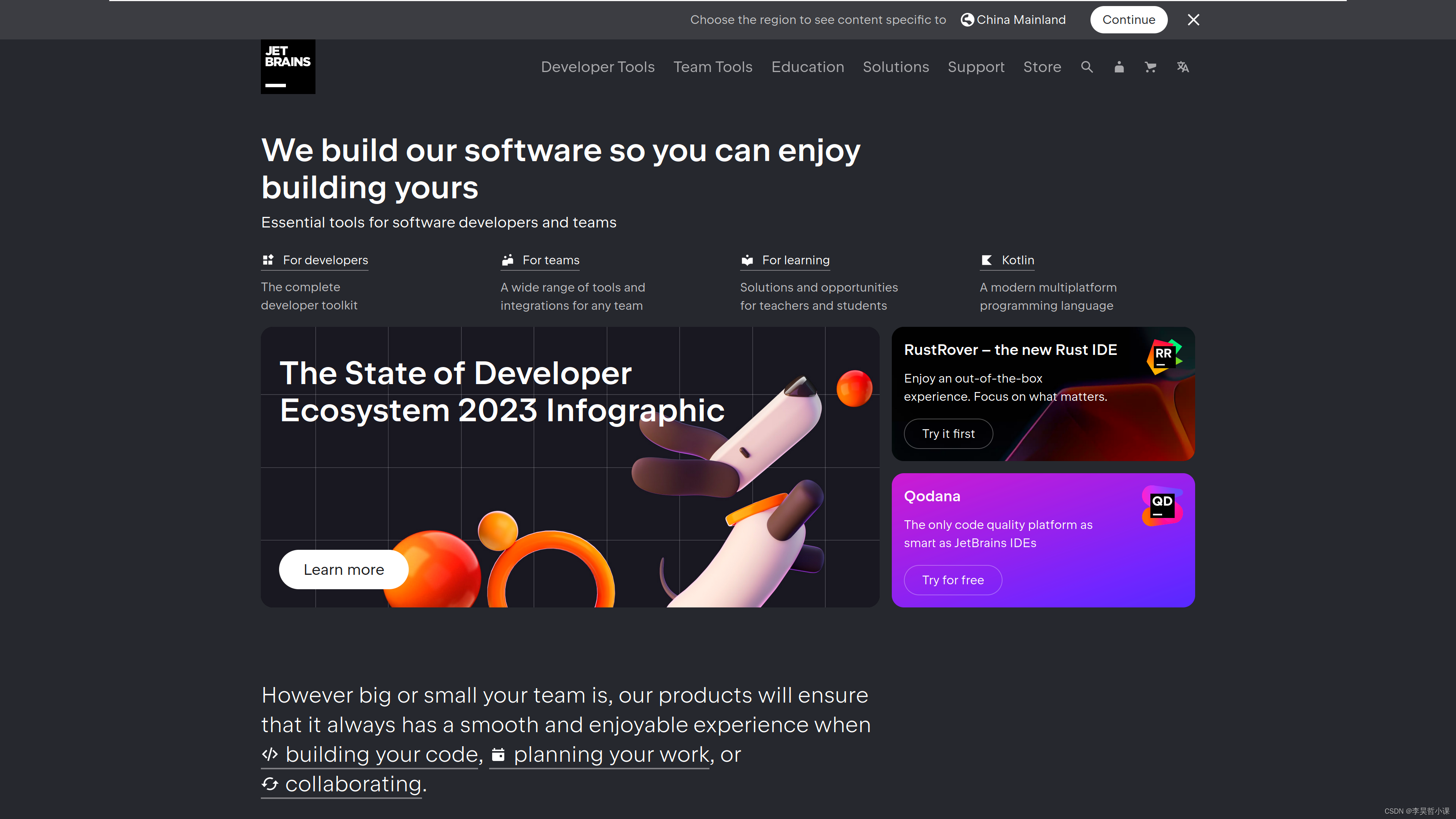
jetbrains-toolbox 官网下载页面
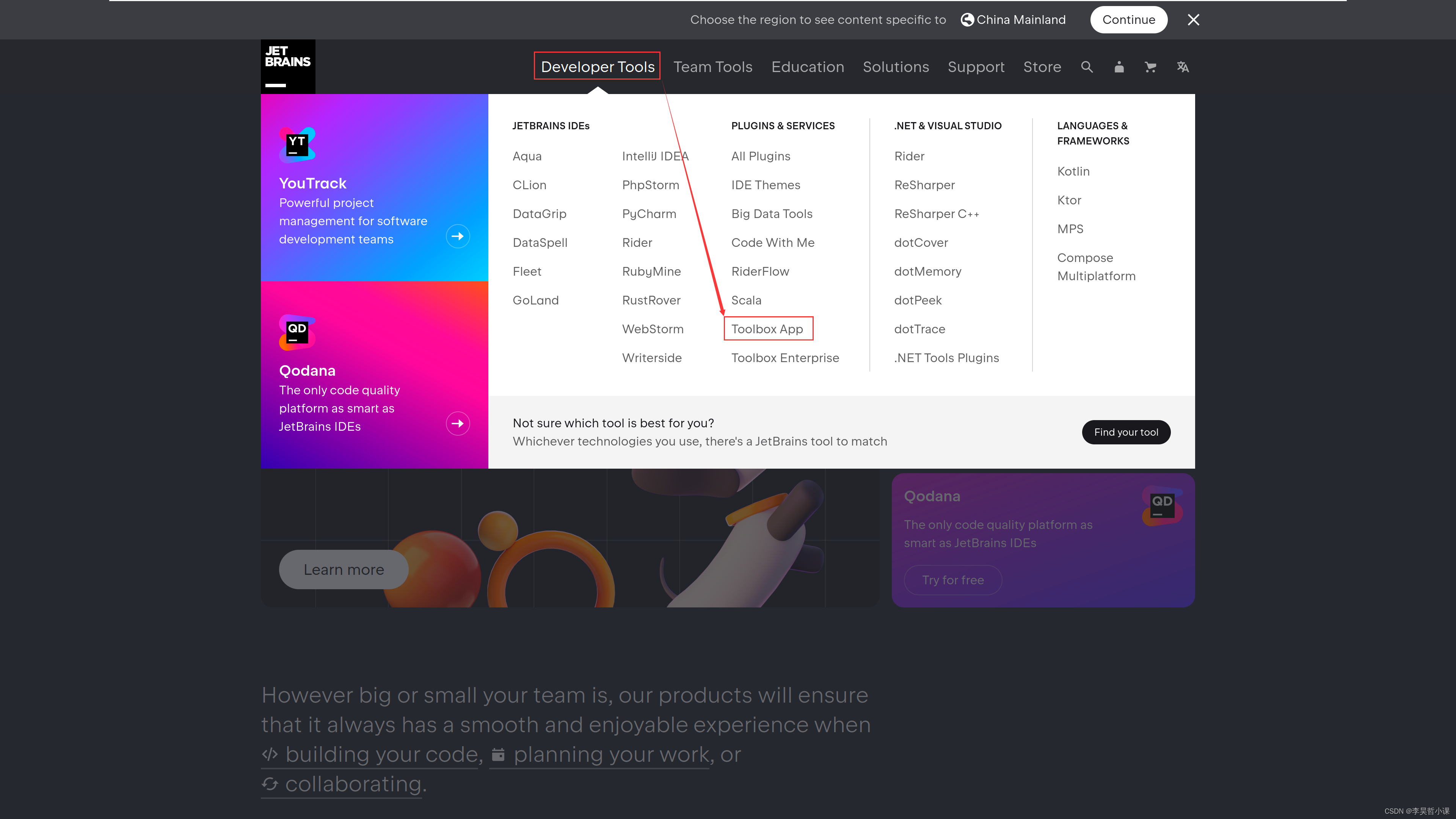
在下载页面点击
Download
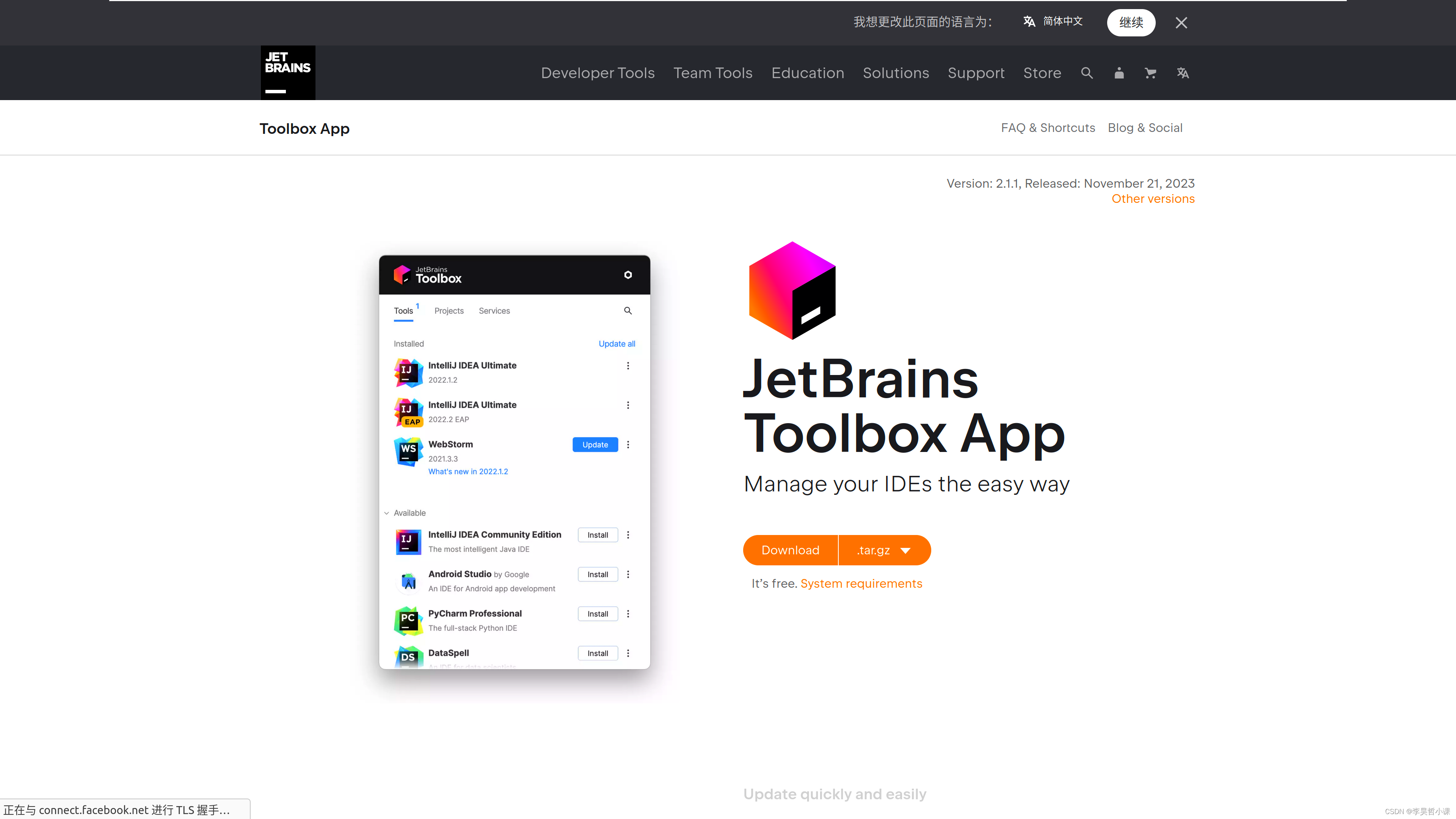
安装 jetbrains-toolbox
解压 jetbrains-toolbox 安装包 到指定目录
本案例将安装包解压到了指定目录下
tar -zxvf jetbrains-toolbox-2.1.1.18388.tar.gz -C ../opt/jetbrains

安装 jetbrains-toolbox
../opt/jetbrains/jetbrains-toolbox-2.1.1.18388/jetbrains-toolbox
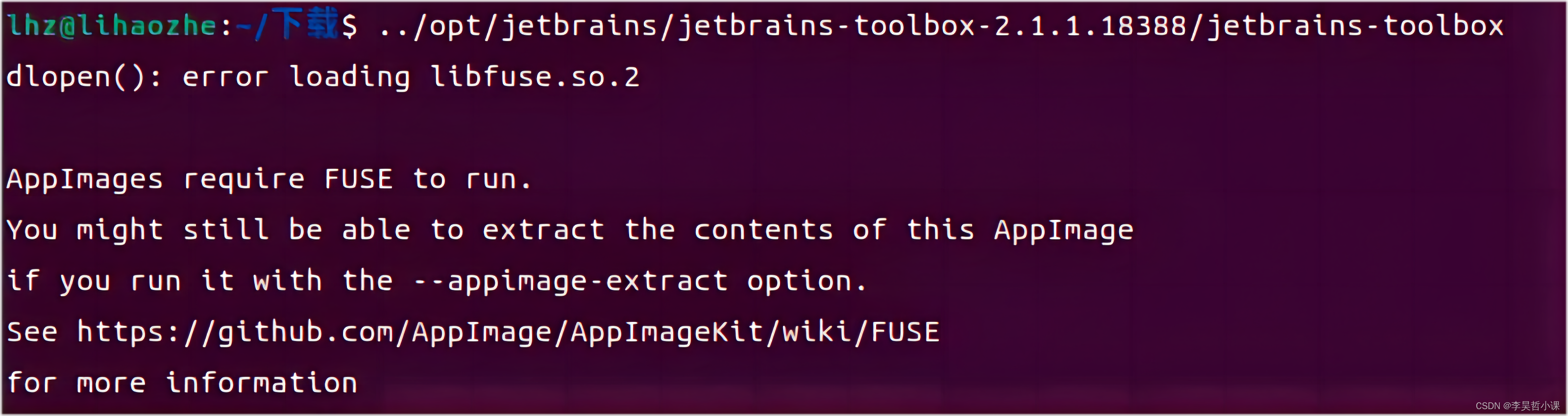
遇到如下报错
dlopen():error loadinglibfuse.so.2
AppImages require FUSE to run.
You might still be able to extract the contents of this AppImageif you run it with the appimage-extract option.See https://github.com/AppImage/AppImagekit/wiki/FUSE
for more information
安装 libfuse2
AppImage 需要 FUSE 版本 2 才能运行, 安装 FUSE
sudo add-apt-repository universe
sudo apt -y install libfuse2
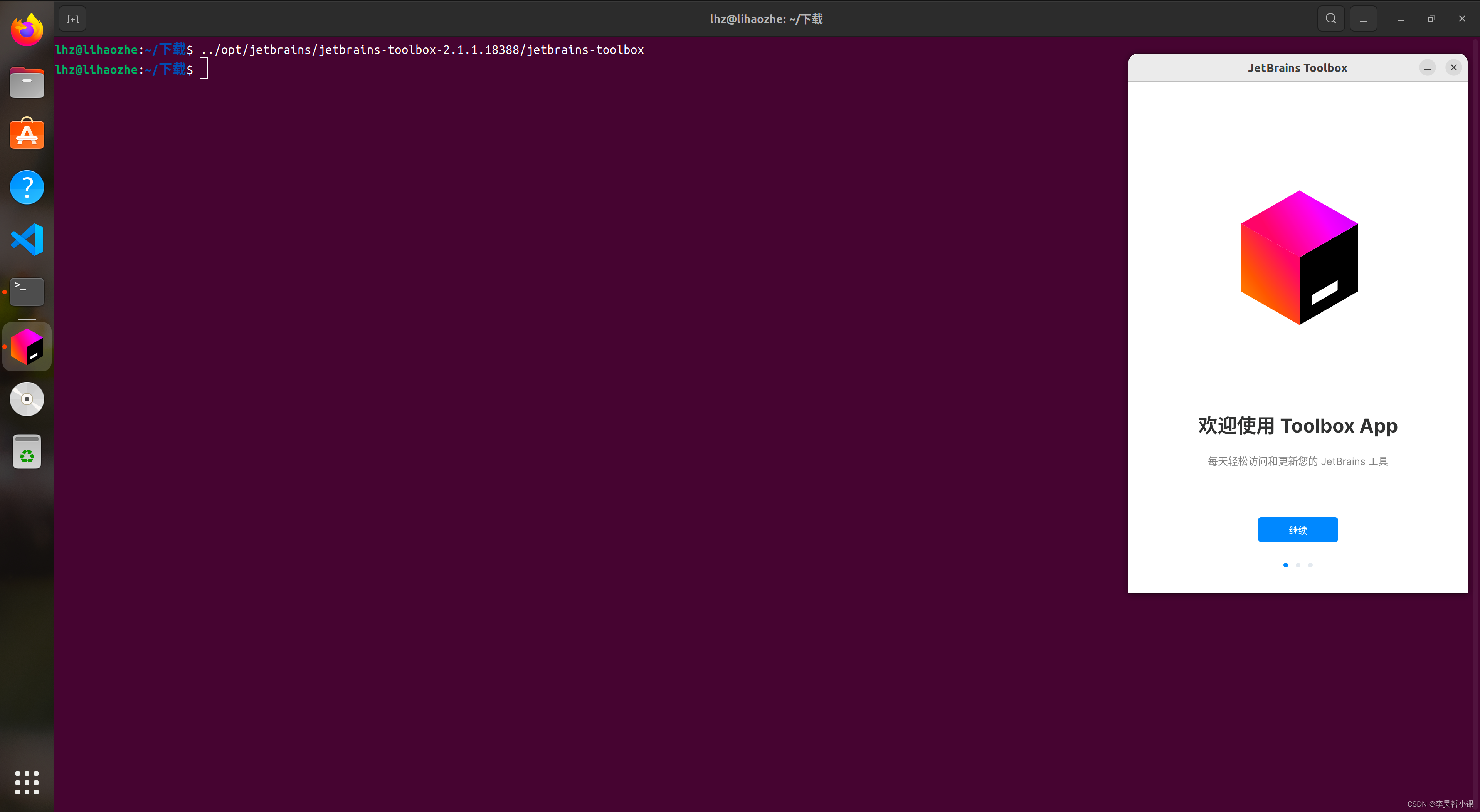
再次运行 jetbrains-toolbox 安装程序
../opt/jetbrains/jetbrains-toolbox-2.1.1.18388/jetbrains-toolbox
jetbrains-toolbox 正常启动

![[pyqt5]PyQt5之如何设置QWidget窗口背景图片问题](https://img-blog.csdnimg.cn/img_convert/7238ac4421a6d20fdbdd6c08c1f53518.jpeg)

![BUUCTF刷题之路-web-[GXYCTF2019]Ping Ping Ping1](https://img-blog.csdnimg.cn/926a4eecb6aa45dcbcadca5904d2ed8d.png)