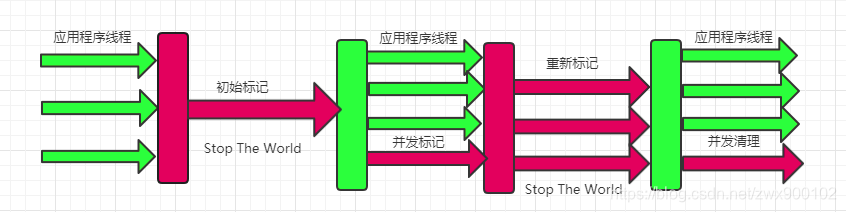
前面几个章节我们分别去探索了webpack的loader机制、plugin机制、devServer、sourceMap、HMR,但是你是否知道这些配置项是怎么去跟webpack本身执行机制挂钩的呢?这一章我们就来探索一下webpack的运行机制与工作原理吧。
webpack核心工作过程
我们打开webpack官网,我们可以看到这样的一张图。
上图陈述了任意资源文件模块,经过webpack处理会生成相对应的资源文件,在这里你可能会问,webpack输出不是只有.js文件吗,为什么会有.css、.jpg呢,各位同学不要着急,请听我慢慢向你道来。
画图解释
构建成了依赖树之后,webpack会递归遍历当前的依赖树,使用我们在配置中写的loader进行对应的模块加载,加载完毕之后会进行output的配置选项进行文件输出,一般我们默认的是dist/main.js为输出文件。我们也称之为bundle.js。
至此我们就完成了整个项目的打包过程。
webpack是怎么去处理那些不能被js处理的文件的呢
对于依赖模块中,那些无法被js解释描述的模块,比如图片,字体等等,那么会有对应的loader,比如file-loader,会把这些资源直接输出到打包目录,然后会把当前资源的访问路径作为模块的导出成员暴露出来,以供外部成员调用。
plugin是怎么工作的呢
plugin在webpack打包的任意阶段中,可以通过hooks往阶段中去注入某些功能,去完成某些构建任务。
webpack核心工作的原理
上面也提到webpack打包的核心流程,我们在package.json里面配置了"build": webpack && webpack-cli,之后只需要在terminal中键入npm run build就可以让webpack自动打包构建了,然后webpack会经历如下步骤。
webpack-cli启动。- 载入配置项参数,初始化
Compiler对象,加载所有配置项plugin。 - 使用
Compiler对象的run方法开始编译项目。 - 通过
entry找到入口文件,解析模块依赖,形成依赖树。 - 递归遍历依赖树,让
loader去加载对应的模块以及依赖模块。 - 合并
loader处理结果,组装成chunks,转换成文件,输出到build目录。
如果你看文字比较烦闷,那么我也可以画成概念图:
深入webpack的源码
那么webpack5是怎么进行构建的呢,我们还是得来深入一下源码,我们在webpack-cli文件夹下的bin目录找到入口文件。
// webpack/node_modules/webpack-cli/bin/cli.js
#!/usr/bin/env node
 "use strict";

const importLocal = require("import-local");
const runCLI = require("../lib/bootstrap");

...
process.title = "webpack";
// 执行runCLI函数
// process.argv = [
//'/usr/local/bin/node',
//'/Users/mac/Desktop/webpack/webpack/node_modules/.bin/webpack-cli'
//]
runCLI(process.argv);

// webpack/node_modules/webpack-cli/lib/bootstrap.js
"use strict";
Object.defineProperty(exports, "__esModule", { value: true });
// 导入WebpackCLI
const WebpackCLI = require("./webpack-cli");

const runCLI = async (args) => {//创建一个webpack-cli实例const cli = new WebpackCLI();try {await cli.run(args);}catch (error) {cli.logger.error(error);process.exit(2);}
};
module.exports = runCLI;
上述代码表明webpack在工作的时候创建了一个WebpackCli的实例,之后去调用类的run方法执行流程,我们这里先大致看一下WebpackCli的实现。
run方法的执行
run方法里面去加载了构建配置项、版本配置项、监听配置项、帮助配置项等,代码足足有500多行,我们只关注于核心代码。
...
 run(args, parseOptions){ // args为process.argv // parseOptions为装填的解析配置项 ... const loadCommandByName = async (commandName, allowToInstall = false) => { ... if (isBuildCommandUsed || isWatchCommandUsed) { console.log(options, 'options')  // options : {} // 这里执行runWebpack await this.runWebpack(options, isWatchCommandUsed); console.log(options, 'options') // options : { argv: { env: { WEBPACK_BUNDLE: true, WEBPACK_BUILD: true } } } } ... }; ...
 }

 // runWebpack
runWebpack(options, isWatchCommand){ // options : {} // isWatchCommand : false ...console.log(options, isWatchCommand, '配置5') // { argv: { env: { WEBPACK_BUNDLE: true, WEBPACK_BUILD: true } } } falsecompiler = await this.createCompiler(options, callback);console.log(compiler, '配置6') // compiler对象属性太多,这里不展示,这里就拿到了我们上文说的Compiler对象了,然后我们用这个对象去进行编译。...
}
createCompiler函数里面调用了loadConfig、buildConfig,去加载构建配置项以及webpack核心属性,使用webpack函数调用这些核心模块,其中在loadConfig函数里面我们可以看到这样的一处代码。
// webpack-cli.js
async loadConfig(options) {...const loadedConfigs = await Promise.all(options.config.map((configPath) => loadConfigByPath(path.resolve(configPath), options.argv)));
}...
上述代码loadConfig通过loadConfigByPath执行tryRequireThenImport函数,去加载编译所需模块和我们用户写的webpack.config.js配置。在buildConfig中我们会去传入loadConfig函数的执行结果,也就是options,去加载配置中的plugin。
// webpack-cli.js
buildConfig(config, options){...const CLIPlugin = await this.tryRequireThenImport("./plugins/CLIPlugin");...if (!item.plugins) {item.plugins = [];}item.plugins.unshift(new CLIPlugin({configPath: config.path.get(item),helpfulOutput: !options.json,hot: options.hot,progress: options.progress,prefetch: options.prefetch,analyze: options.analyze,}));
}
new CLIPlugin
// CLiPlugin.js
"use strict";
Object.defineProperty(exports, "__esModule", { value: true });
exports.CLIPlugin = void 0;
// CLIPlugin类
class CLIPlugin {constructor(options) {this.options = options;}// 热更新插件setupHotPlugin(compiler) {// 如果用户没有配置HotModuleReplacementPlugin插件,则会自动从webpack中引入const { HotModuleReplacementPlugin } = compiler.webpack || require("webpack");const hotModuleReplacementPlugin = Boolean(compiler.options.plugins.find((plugin) => plugin instanceof HotModuleReplacementPlugin));if (<img src="https://www.webpackjs.com/api/compiler-hooks/#runcompiler.hooks.run.tap(pluginName, () => {const name = getCompilationName();...if (configPath) {this.logger.log(`Compiler${name ? ` ${name}` : ""} is using config: '${configPath}'`);}});// watchRun钩子方法,查看https://www.webpackjs.com/api/compiler-hooks/#watchrun// 监听模式下,在编译之前,把插件挂到钩子里面去compiler.hooks.watchRun.tap(pluginName, (compiler) => {const { bail, watch } = compiler.options;...const name = getCompilationName();...});// 监听模式下,编译失效的时候,查看https://www.webpackjs.com/api/compiler-hooks/#invalidcompiler.hooks.invalid.tap(pluginName, (filename, changeTime) => {const date = new Date(changeTime);...});// 编译完成,查看https://www.webpackjs.com/api/compiler-hooks/#invalid// 官网上面并没有afterDone这个钩子,不知道是什么原因,afterEmit??(compiler.webpack ? compiler.hooks.afterDone : compiler.hooks.done).tap(pluginName, () => {const name = getCompilationName();......});}apply(compiler) {this.logger = compiler.getInfrastructureLogger("webpack-cli");// 安装内置插件if (this.options.progress) {this.setupProgressPlugin(compiler);}if (this.options.hot) {this.setupHotPlugin(compiler);}if (this.options.prefetch) {this.setupPrefetchPlugin(compiler);}if (this.options.analyze) {this.setupBundleAnalyzerPlugin(compiler);}// 安装配置插件插件this.setupHelpfulOutput(compiler);" style="margin: auto" />
}
exports.CLIPlugin = CLIPlugin;
module.exports = CLIPlugin;
说到这里,我们大致就知道了webpack的plugin是怎么去执行的吧,因为在webpack执行阶段,对应的每一个阶段都有一个钩子,我们在自定义插件的时候,我们也依赖这些钩子去执行。但到这里仅仅还是webpack的前置工作。 继续调试,我们发现webpack流程会走到webpack/lib/index.js目录下的fn函数,并导入了Compiler类。
webpack是怎么集成loader的呢
webpack执行_doBuild函数,表示真正的构建流程开始了,webpack先会根据解析过后的配置项,编译上下文等去创建loader加载执行上下文,并挂载到了webpack的beforeLoaders的钩子上,然后执行runLoaders方法,进行loader的加载。
...this.buildInfo.fileDependencies = new LazySet();this.buildInfo.contextDependencies = new LazySet();this.buildInfo.missingDependencies = new LazySet();this.buildInfo.cacheable = true;...// 加载loader函数runloaders({resource: this.resource, loaders: this.loaders, context: loaderContext,}, fn);
其中runLoaders第一个参数传的是一个对象,第二个参数是一个函数。根据buildInfo的依赖,把result中的依赖通过add方法添加进去,result就是在执行build时候的source || _ast
runLoaders
exports.runLoaders = function runLoaders(options, callback) {
	// 需要处理的资源绝对路径
	var resource = options.resource || "";// 需要处理的所有loaders 组成的绝对路径数组
	var loaders = options.loaders || [];// loader执行上下文对象 每个loader中的this就会指向这个loaderContext
	var loaderContext = options.context || {};// 读取资源文件内容的方法
	var processResource = options.processResource || ((readResource, context, resource, callback) => {
		context.addDependency(resource);
		readResource(resource, callback);
	}).bind(null, options.readResource || readFile);

	//
	var splittedResource = resource && parsePathQueryFragment(resource);
	var resourcePath = splittedResource ? splittedResource.path : undefined;
	var resourceQuery = splittedResource ? splittedResource.query : undefined;
	var resourceFragment = splittedResource ? splittedResource.fragment : undefined;
	var contextDirectory = resourcePath ? dirname(resourcePath) : null;

	// 其他执行所依赖的状态
	var requestCacheable = true;
	var fileDependencies = [];
	var contextDependencies = [];
	var missingDependencies = [];

	// 根据loaders路径数组创建loaders对象
	loaders = loaders.map(createLoaderObject);// 给执行上下文对象绑定属性
	loaderContext.context = contextDirectory;
	loaderContext.loaderIndex = 0;
	loaderContext.loaders = loaders;
	loaderContext.resourcePath = resourcePath;
	loaderContext.resourceQuery = resourceQuery;
	loaderContext.resourceFragment = resourceFragment;// 异步执行的标识与回调
	loaderContext.async = null;
	loaderContext.callback = null;// 缓存标识
	loaderContext.cacheable = function cacheable(flag) {
		if(flag === false) {
			requestCacheable = false;
		}
	};// 依赖
	loaderContext.dependency = loaderContext.addDependency = function addDependency(file) {
		fileDependencies.push(file);
	};// 添加上下文依赖方法
	loaderContext.addContextDependency = function addContextDependency(context) {
		contextDependencies.push(context);
	};// 添加缺失依赖方法
	loaderContext.addMissingDependency = function addMissingDependency(context) {
		missingDependencies.push(context);
	};// 获得依赖方法
	loaderContext.getDependencies = function getDependencies() {
		return fileDependencies.slice();
	};// 获得上下文依赖方法
	loaderContext.getContextDependencies = function getContextDependencies() {
		return contextDependencies.slice();
	};// 获得缺失依赖方法
	loaderContext.getMissingDependencies = function getMissingDependencies() {
		return missingDependencies.slice();
	};// 清空依赖方法
	loaderContext.clearDependencies = function clearDependencies() {
		fileDependencies.length = 0;
		contextDependencies.length = 0;
		missingDependencies.length = 0;
		requestCacheable = true;
	};// 劫持上下文中的resource属性
	Object.defineProperty(loaderContext, "resource", {
		enumerable: true,
		get: function() {
			if(loaderContext.resourcePath === undefined)
				return undefined;
			return loaderContext.resourcePath.replace(/#/g, "\0#") + loaderContext.resourceQuery.replace(/#/g, "\0#") + loaderContext.resourceFragment;
		},
		set: function(value) {
			var splittedResource = value && parsePathQueryFragment(value);
			loaderContext.resourcePath = splittedResource ? splittedResource.path : undefined;
			loaderContext.resourceQuery = splittedResource ? splittedResource.query : undefined;
			loaderContext.resourceFragment = splittedResource ? splittedResource.fragment : undefined;
		}
	});// 劫持上下文中的request属性
	Object.defineProperty(loaderContext, "request", {
		enumerable: true,
		get: function() {
			return loaderContext.loaders.map(function(o) {
				return o.request;
			}).concat(loaderContext.resource || "").join("!");
		}
	});// 劫持上下文中的remainingRequest属性
	Object.defineProperty(loaderContext, "remainingRequest", {
		enumerable: true,
		get: function() {
			if(loaderContext.loaderIndex >= loaderContext.loaders.length - 1 && !loaderContext.resource)
				return "";
			return loaderContext.loaders.slice(loaderContext.loaderIndex + 1).map(function(o) {
				return o.request;
			}).concat(loaderContext.resource || "").join("!");
		}
	});// 劫持上下文中的currentRequest属性
	Object.defineProperty(loaderContext, "currentRequest", {
		enumerable: true,
		get: function() {
			return loaderContext.loaders.slice(loaderContext.loaderIndex).map(function(o) {
				return o.request;
			}).concat(loaderContext.resource || "").join("!");
		}
	});// 劫持上下文中的previousRequest属性
	Object.defineProperty(loaderContext, "previousRequest", {
		enumerable: true,
		get: function() {
			return loaderContext.loaders.slice(0, loaderContext.loaderIndex).map(function(o) {
				return o.request;
			}).join("!");
		}
	});// 劫持上下文中的query属性
	Object.defineProperty(loaderContext, "query", {
		enumerable: true,
		get: function() {
			var entry = loaderContext.loaders[loaderContext.loaderIndex];
			return entry.options && typeof entry.options === "object" ? entry.options : entry.query;
		}
	});// 劫持上下文中的data属性
	Object.defineProperty(loaderContext, "data", {
		enumerable: true,
		get: function() {
			return loaderContext.loaders[loaderContext.loaderIndex].data;
		}
	});

	// finish loader context
	if(Object.preventExtensions) {
		Object.preventExtensions(loaderContext);
	}

	var processOptions = {
		resourceBuffer: null,
		processResource: processResource
	};// 开始迭代处理完的loader
	iteratePitchingLoaders(processOptions, loaderContext, function(err, result) {
		if(err) {
			return callback(err, {
				cacheable: requestCacheable,
				fileDependencies: fileDependencies,
				contextDependencies: contextDependencies,
				missingDependencies: missingDependencies
			});
		}
		callback(null, {
			result: result,
			resourceBuffer: processOptions.resourceBuffer,
			cacheable: requestCacheable,
			fileDependencies: fileDependencies,
			contextDependencies: contextDependencies,
			missingDependencies: missingDependencies
		});
	});
};

// iteratePitchingLoaders
function iteratePitchingLoaders(options, loaderContext, callback) {
	// loader的pitch是按照loaderIndexpitch的,如果loader数组的长度,表示pitch完了// 此时就需要调用processResource方法读取资源文件内容了
	if(loaderContext.loaderIndex >= loaderContext.loaders.length)
		return processResource(options, loaderContext, callback);

	var currentLoaderObject = loaderContext.loaders[loaderContext.loaderIndex];

	// 当前loader的pitch已经执行过了 继续递归执行下一个
	if(currentLoaderObject.pitchExecuted) {
		loaderContext.loaderIndex++;
		return iteratePitchingLoaders(options, loaderContext, callback);
	}

	// 以对象的形式加载loader
	loadLoader(currentLoaderObject, function(err) {
		if(err) {
			loaderContext.cacheable(false);
			return callback(err);
		}// 取loader对象的pitch属性
		var fn = currentLoaderObject.pitch;// pitch过了,就把pitchExecuted置为true
		currentLoaderObject.pitchExecuted = true;// 如果没有pitch过,则需要再经过iteratePitchingLoaders函数处理一遍
		if(!fn) return iteratePitchingLoaders(options, loaderContext, callback);// 同步和异步执行loader
		runSyncOrAsync(
			fn, // pitch执行返回的
			loaderContext, [loaderContext.remainingRequest, loaderContext.previousRequest, currentLoaderObject.data = {}],
			function(err) {// 存在错误直接调用callback 表示runLoaders执行完毕
				if(err) return callback(err);
				var args = Array.prototype.slice.call(arguments, 1);
				var hasArg = args.some(function(value) {
					return value !== undefined;
				});
				if(hasArg) {// 中断当前loader执行index回退,执行iterateNormalLoaders
					loaderContext.loaderIndex--;
					iterateNormalLoaders(options, loaderContext, args, callback);
				} else {// 当前loader执行完毕,执行下一个loader
					iteratePitchingLoaders(options, loaderContext, callback);
				}
			}
		);
	});
}

// runSyncOrAsync
function runSyncOrAsync(fn, context, args, callback) {
	var isSync = true; // 默认同步
	var isDone = false; // 标记执行过了,不重复执行
	var isError = false; // internal error
	var reportedError = false;// 定义异步loader,如果loader中有this.async,则走async函数
	context.async = function async() {
		if(isDone) {
			if(reportedError) return; // ignore
			throw new Error("async(): The callback was already called.");
		}// 置为异步
		isSync = false;
		return innerCallback;
	};// 定义 this.callback,第3章里面有提到过
	var innerCallback = context.callback = function() {
		if(isDone) {
			if(reportedError) return; // ignore
			throw new Error("callback(): The callback was already called.");
		}
		isDone = true;
		isSync = false;
		try {
			callback.apply(null, arguments);
		} catch(e) {
			isError = true;
			throw e;
		}
	};
	try {// 取得pitch执行的结果
		var result = (function LOADER_EXECUTION() {
			return fn.apply(context, args);
		}());		if(isSync) {// 同步且执行有执行结果
			isDone = true;
			if(result === undefined)// 不存在执行结果,直接熔断执行
				return callback();// 通过.then来判断是不是一个Promise表示一个异步loader
			if(result && typeof result === "object" && typeof result.then === "function") {// 如果是Promise,应该在.then之后进行熔断执行
				return result.then(function(r) {
					callback(null, r);
				}, callback);
			}// 不满足上面的情况,那就直接熔断
			return callback(null, result);
		}
	} catch(e) {// 错误处理
		if(isError) throw e;
		if(isDone) {
			// loader is already "done", so we cannot use the callback function
			// for better debugging we print the error on the console
			if(typeof e === "object" && e.stack) console.error(e.stack);
			else console.error(e);
			return;
		}
		isDone = true;
		reportedError = true;
		callback(e);
	}

}
所以runLoaders会去处理options里面的源文件的绝对路径成一个数组,并生成loader执行上下文对象,通过给上下文对象绑定一系列的方法,属性以便于在loader调用加载的时候使用。处理完毕之后会去迭代loader数组,这里数组传入的方式为[...post, ...inline, ...normal, ...pre], 在iteratePitchingLoaders函数中,会去判断loaderIndex与length的值,依次来进行对应loader的文件内容读取。每一个loader都会存在pitch阶段,picth完毕的loader会把pitchExecuted置为true并会去同步或者异步执行自己,如果还存在于还未pitch,那就需要重新走一遍iteratePitchingL-oaders。
loader为什么要熔断执行呢
因为我们知道loader本身是支持链式执行的,并不是说必要性的去执行整个链条,有些loader在执行开始前,也就是pitch阶段,它返回了不为undefined的值,就不会走之后的 loader,并将返回值返回给之前的 loader。所以熔断后就回去执行iterateNormalLoaders方法。
如果没有熔断则当前继续执行normal阶段,以及执行完毕之后回去执行下一个loader的过程。
processResource
// webpack/node_modules/loader-runner/lib/LoaderRunner.js
function processResource(options, loaderContext, callback) {
	// pre -> normal -> inline -> post
	loaderContext.loaderIndex = loaderContext.loaders.length - 1;// 获取绝对路径
	var resourcePath = loaderContext.resourcePath;

	if(resourcePath) {// 读取文件内容
		options.processResource(loaderContext, resourcePath, function(err) {
			if(err) return callback(err);

			var args = Array.prototype.slice.call(arguments, 1);// 保存原始文件内容的buffer,挂在相当于processOptions上
			options.resourceBuffer = args[0];
			// 传入iterateNormalLoaders,执行normal阶段
			iterateNormalLoaders(options, loaderContext, args, callback);
		});
	} else {// 没有路径的话,直接走normal阶段
		iterateNormalLoaders(options, loaderContext, [null], callback);
	}
}
至此loader就完成了文件的加载。
插件执行的时机
在createCompiler函数里面,我们会去判断配置里面的plugins是不是数组,遍历执行插件。
// webpack/node_modules/webpack/lib/webpack.js
// 单线打包开始
const createCompiler = rawOptions => {// 获得默认配置项options
	const options = getNormalizedWebpackOptions(rawOptions);// 应用配置
	applyWebpackOptionsBaseDefaults(options);// 创建Compiler实例
	const compiler = new Compiler(options.context, options);// 获得plugin执行环境,包含hooks等
	new NodeEnvironmentPlugin({
		infrastructureLogging: options.infrastructureLogging
	}).apply(compiler);// 遍历执行插件
	if (Array.isArray(options.plugins)) {
		for (const plugin of options.plugins) {
			// 是函数类型,才去执行
			if (typeof plugin === "function") {
				plugin.call(compiler, compiler);
			} else {
				plugin.apply(compiler);
			}
		}
	}// 应用配置, 包含处理过后的plugins
	applyWebpackOptionsDefaults(options);// 环境钩子执行
	compiler.hooks.environment.call();
	compiler.hooks.afterEnvironment.call();
	new WebpackOptionsApply().process(options, compiler);
	compiler.hooks.initialize.call();
	return compiler;
};
最后
整理了一套《前端大厂面试宝典》,包含了HTML、CSS、JavaScript、HTTP、TCP协议、浏览器、VUE、React、数据结构和算法,一共201道面试题,并对每个问题作出了回答和解析。
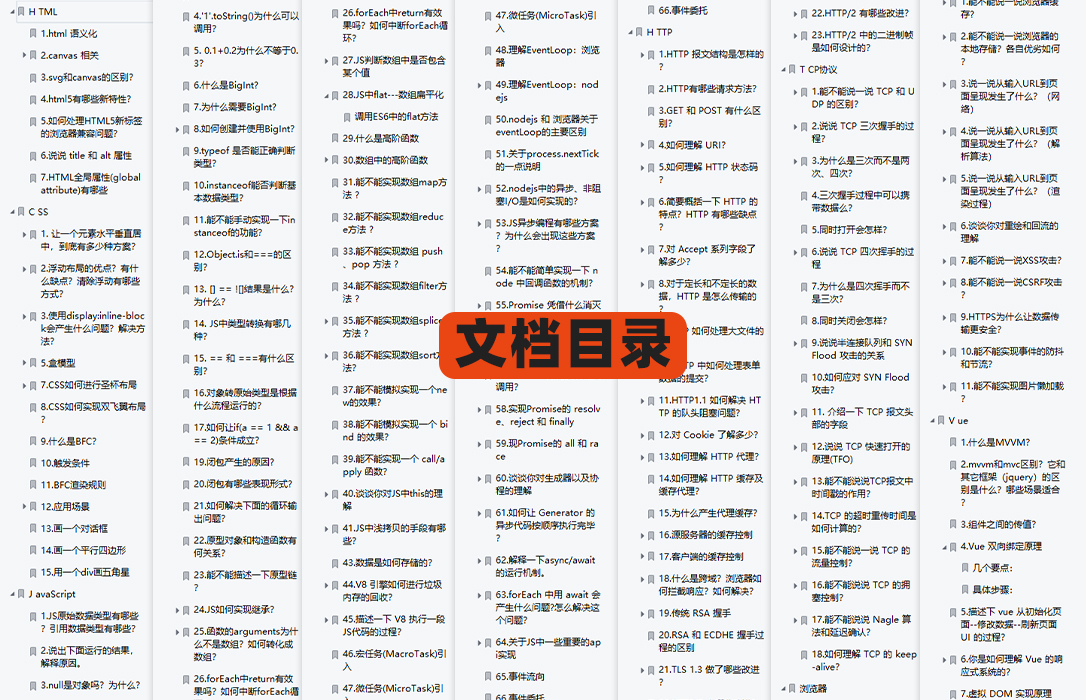
有需要的小伙伴,可以点击文末卡片领取这份文档,无偿分享
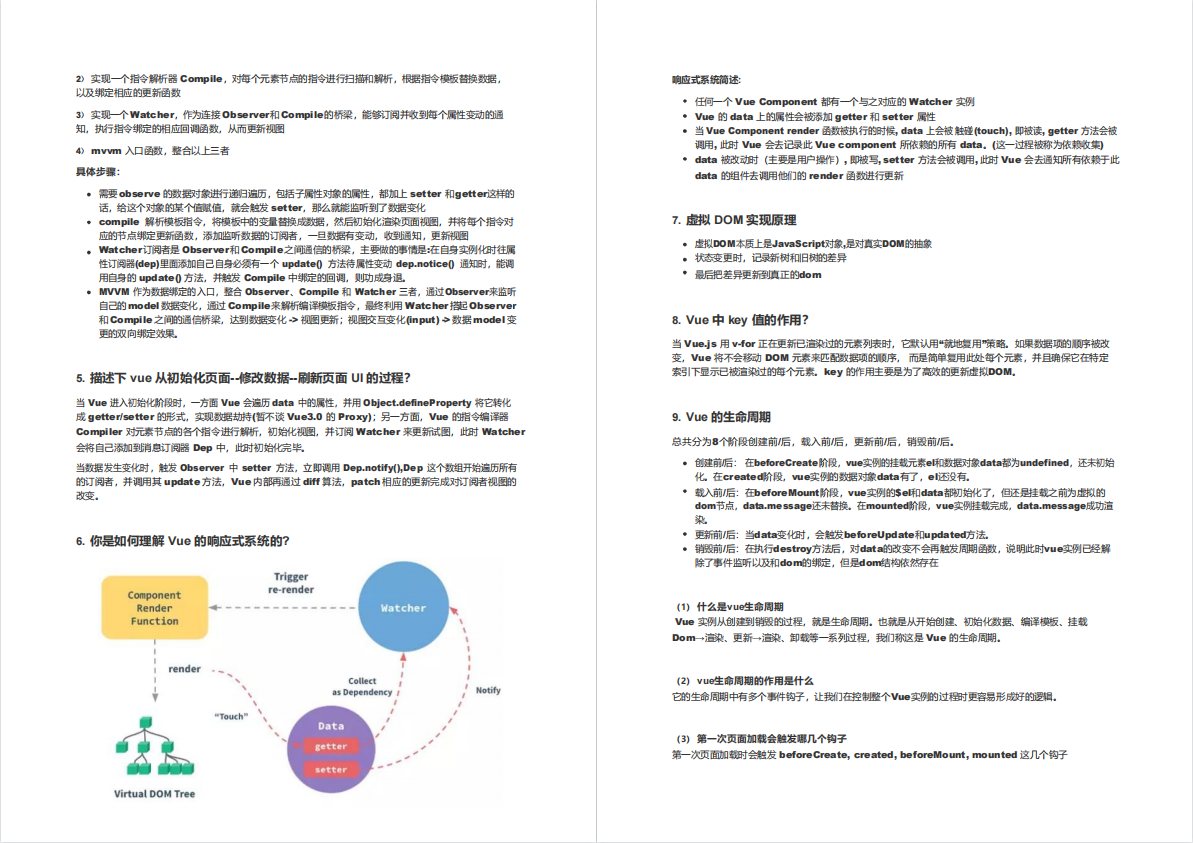
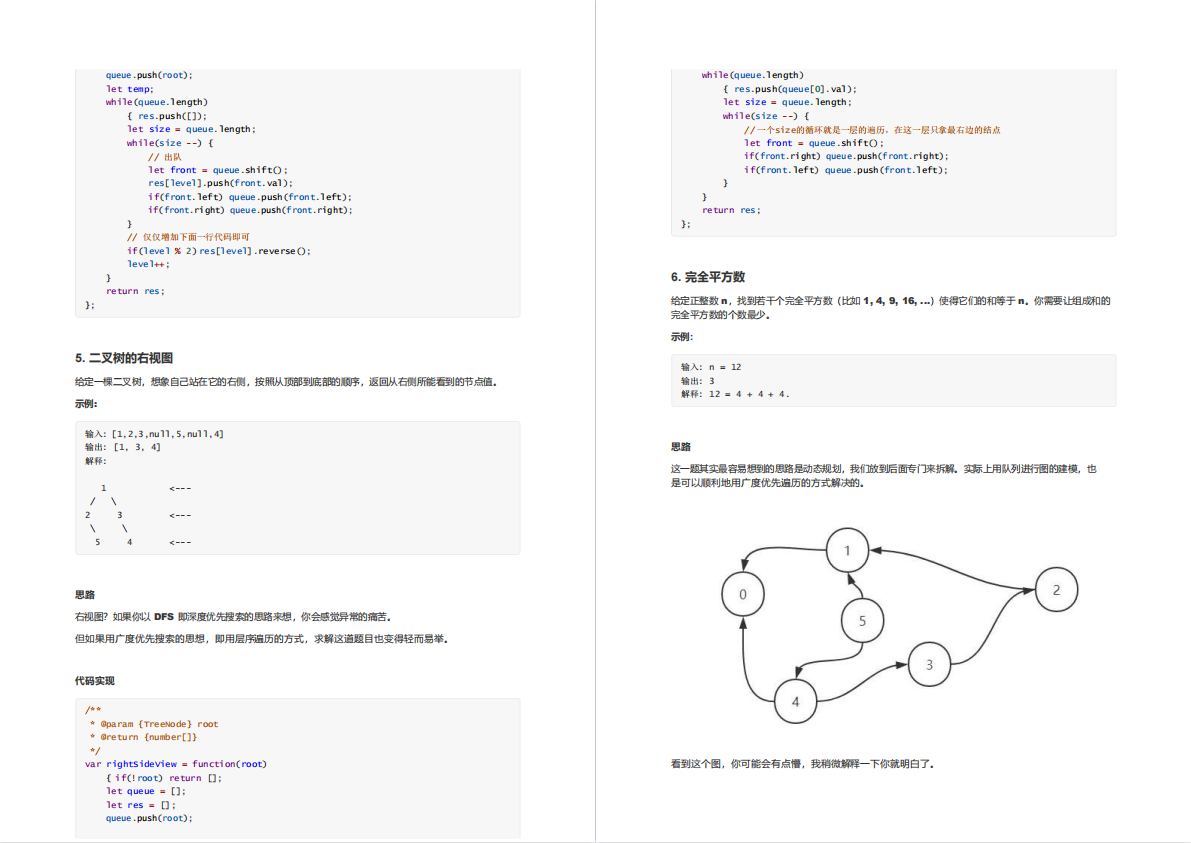
部分文档展示:
文章篇幅有限,后面的内容就不一一展示了
有需要的小伙伴,可以点下方卡片免费领取
![[附源码]Python计算机毕业设计红旗家具城管理系统Django(程序+LW)](https://img-blog.csdnimg.cn/648ac3698618429da7dd4cf79e195644.png)




![[附源码]Node.js计算机毕业设计公交电子站牌管理系统软件Express](https://img-blog.csdnimg.cn/6454cf3ccfdc4e479a580031f3e2c507.png)



![[附源码]Python计算机毕业设计Django课程在线测评系统](https://img-blog.csdnimg.cn/5be1f063095c42158f7b3296cc4b6755.png)