目录
1.添加椒盐噪声
2.添加高斯噪声
3.添加乘性噪声
4.添加泊松噪声
1.添加椒盐噪声
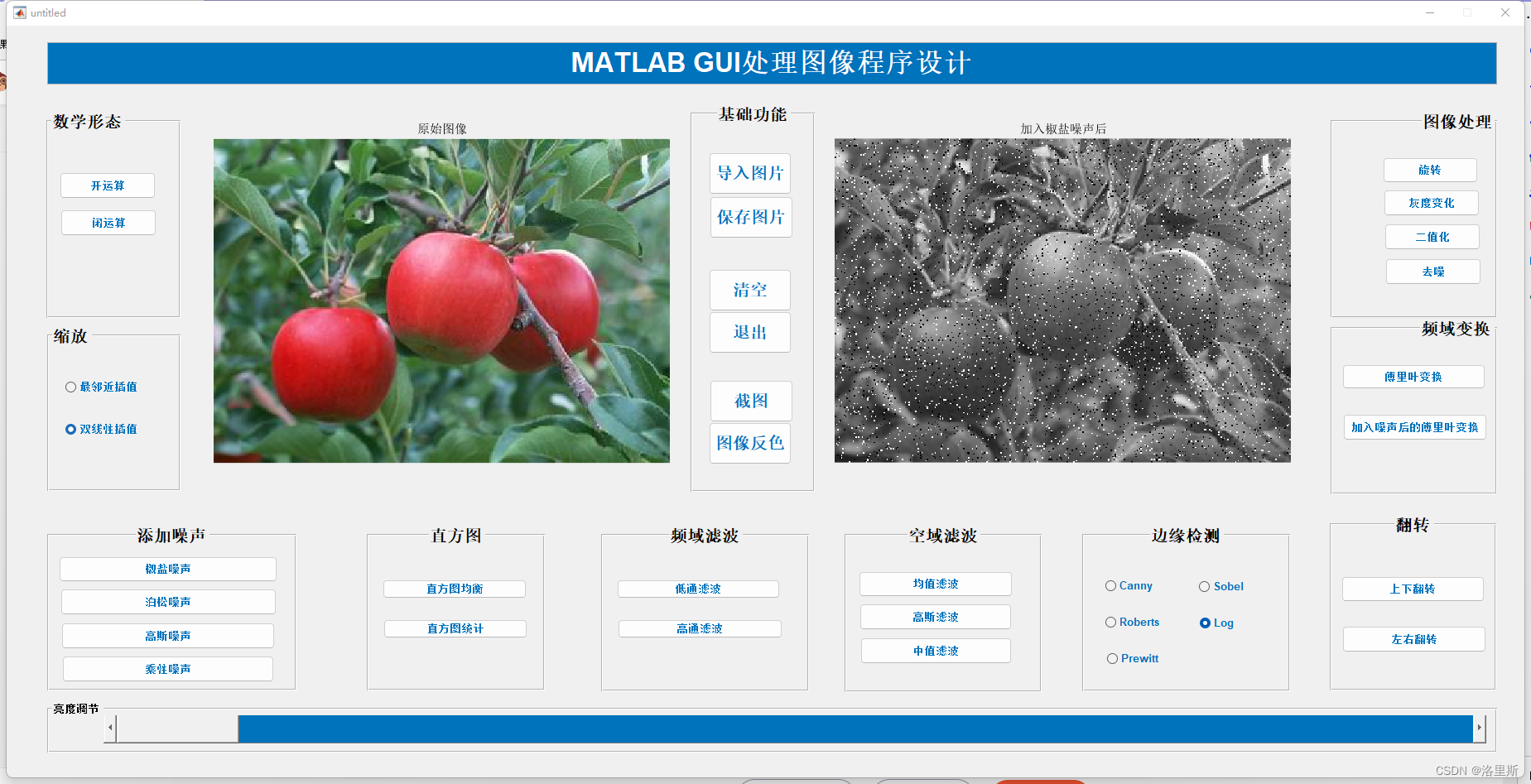
function button_jiaoyan_Callback(hObject, eventdata, handles)%添加椒盐噪声
axes(handles.show_proImg);
global fpath;
img_2=imread(fpath);
img_2=rgb2gray(img_2);
img_2=imnoise(img_2,'salt & pepper',0.06);
imshow(img_2);
title('加入椒盐噪声后')
2.添加高斯噪声
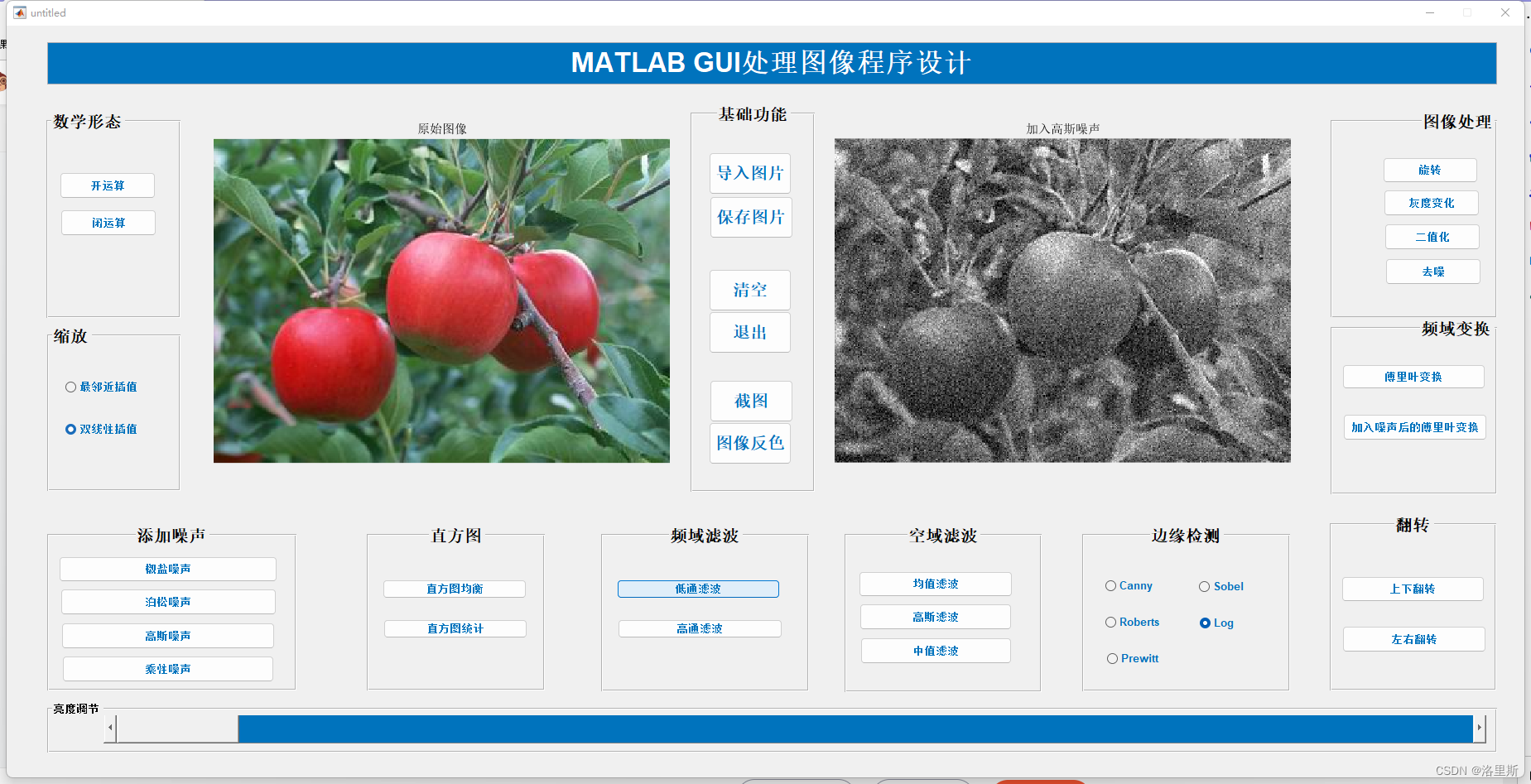
function pushbutton21_Callback(hObject, eventdata, handles)%加入高斯噪声
axes(handles.show_proImg);
global fpath;
img_2=imread(fpath);
img_2=rgb2gray(img_2);
img_2=imnoise(img_2,'gaussian');
imshow(img_2);
title('加入高斯噪声')
3.添加乘性噪声
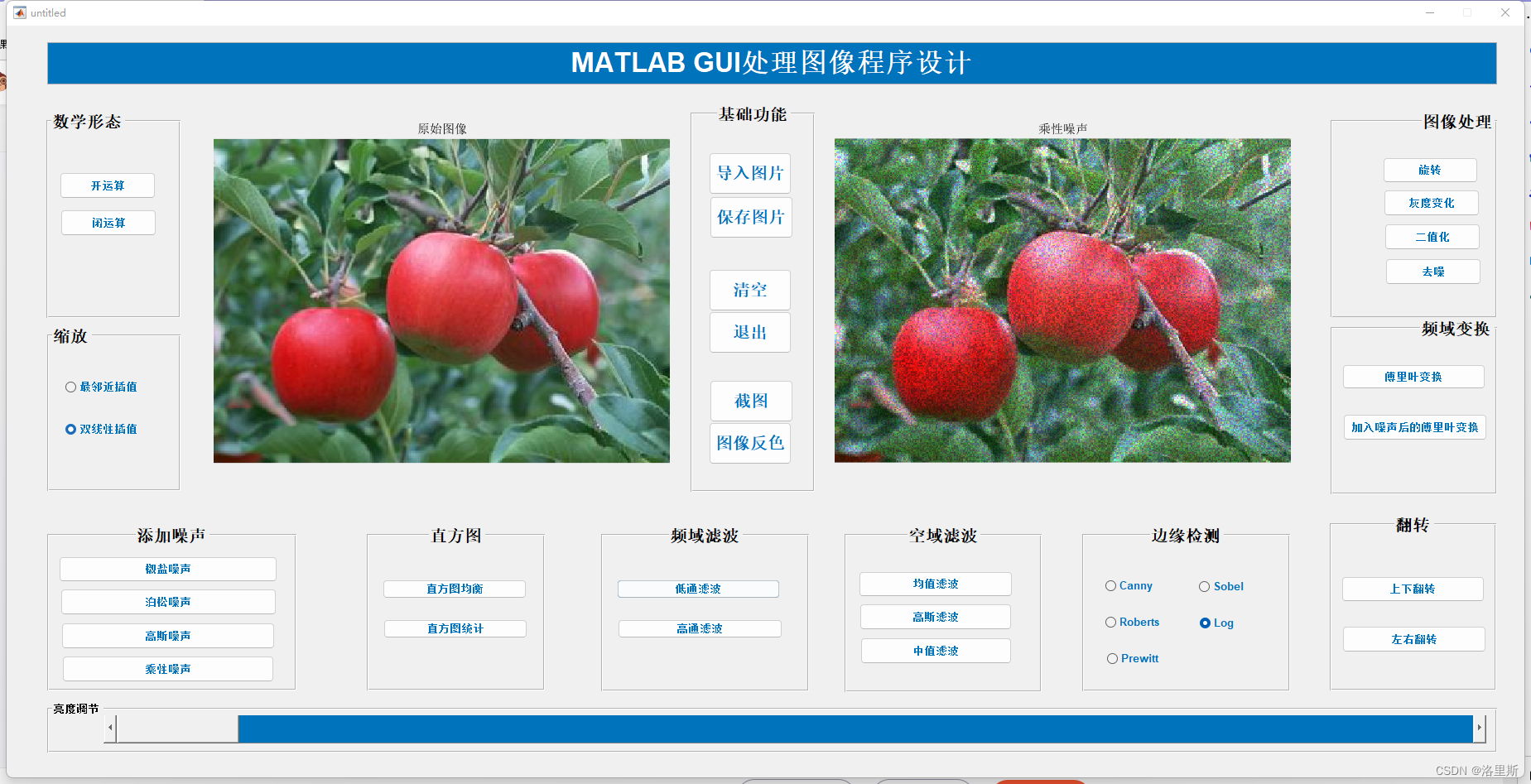
function pushbutton22_Callback(hObject, eventdata, handles)%乘性噪声
axes(handles.show_proImg);
global fpath;
img_2=imread(fpath);
handles.img = imnoise(img_2,'speckle',0.04);
cla; imshow(handles.img);
guidata(hObject,handles);
title('乘性噪声');
4.添加泊松噪声

function butoon_bosong_Callback(hObject, eventdata, handles)%泊松噪声
axes(handles.show_proImg);
global fpath;
img_2=imread(fpath);
img_2 = imnoise(img_2,'poisson');
cla;
imshow(img_2);
guidata(hObject,handles);
title('添加泊松噪声');
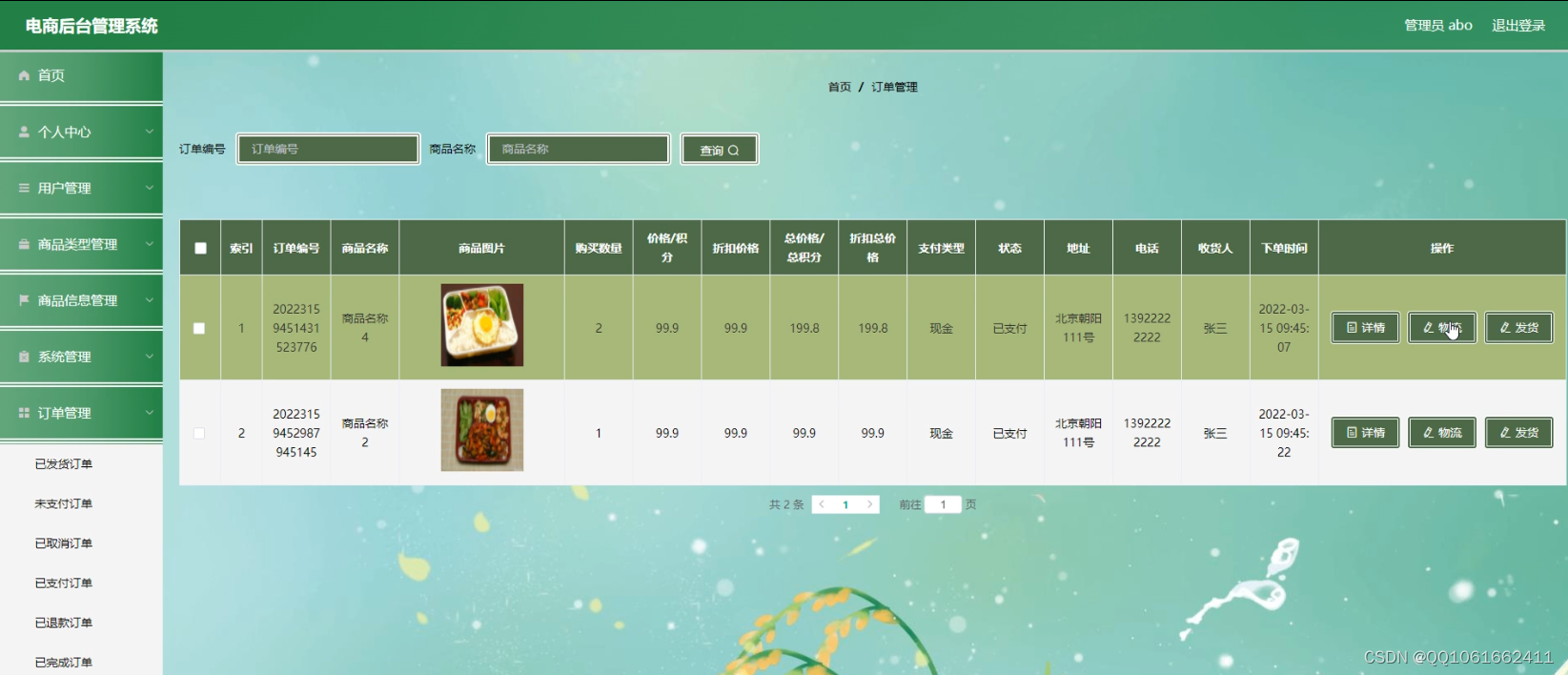
![[附源码]计算机毕业设计的手机电商网站Springboot程序](https://img-blog.csdnimg.cn/0e8014d483574e53acb5d58a439fc95f.png)


![[附源码]计算机毕业设计的图书互换系统Springboot程序](https://img-blog.csdnimg.cn/0e4bdf59efbb4cb4ae314b1c96d74b51.png)