目录
一、MySQL数据库的使用
数据库相关操作
二、数据库增删改查
增加
修改
删除
三、数据库标准写法
一、MySQL数据库的使用
建表
CREATE TABLE py_student(
id INTEGER primary key auto_increment,
name INTEGER not null,
gender varchar(11) default '男' ,
birthday datetime
)
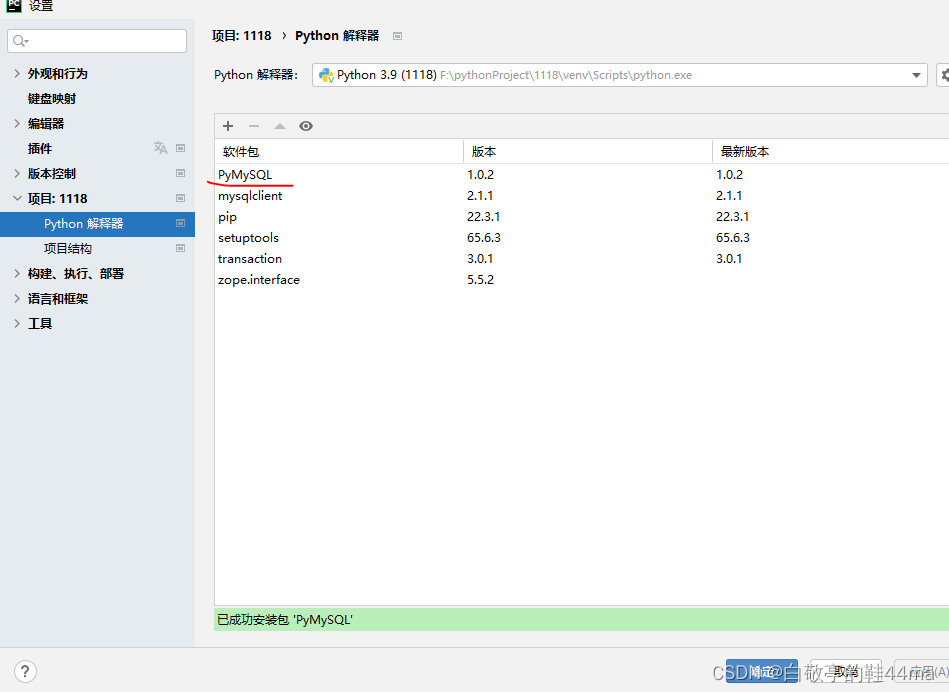
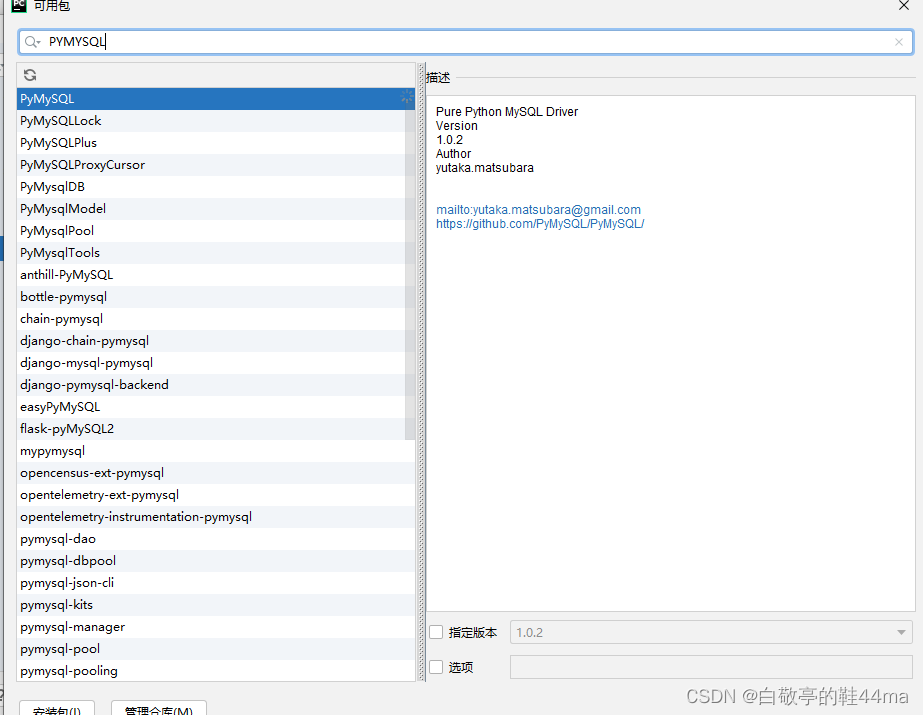
安装PYMYSQL安装包 ---打开 setting设置
数据库连接mysql (填写用户名、密码即可)
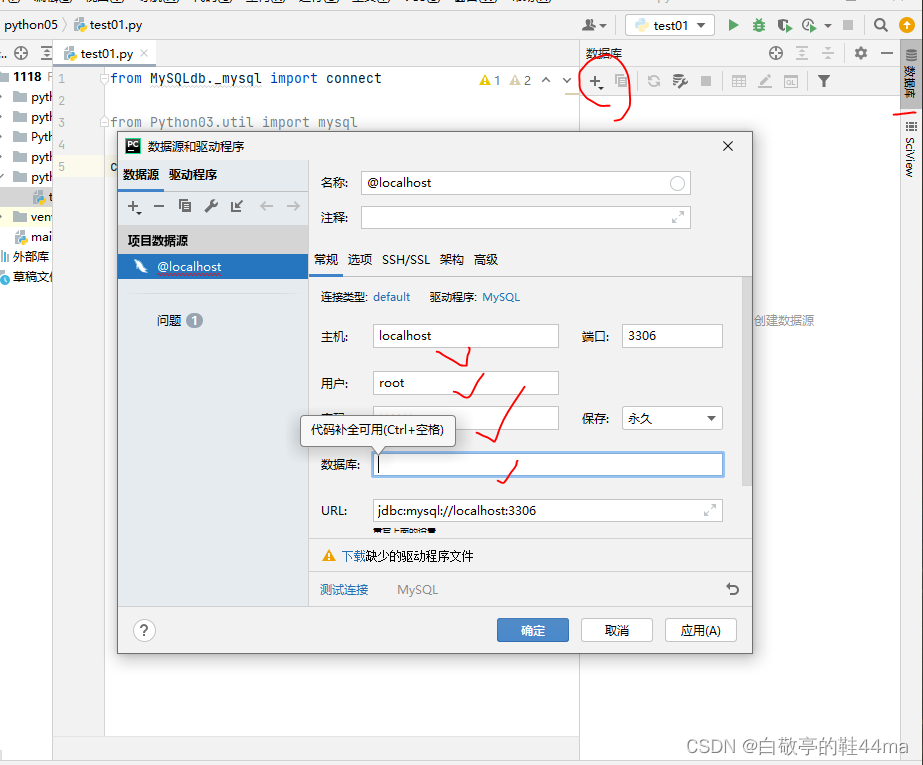
数据库相关操作
1.查询
from pymysql import connect
# 直接导入connect

# 建立连接
con=connect(user="root",password="123456",host="localhost",database="mysql")
# 拿到游标
cur=con.cursor()
# 执行查询
cur.execute("select  * from py_student")
# 处理结果集
# print(cur.fetchone())
print(cur.fetchall()) # 查询全部
# print(cur.fetchmany(3))

单个查询
# 按条件查询
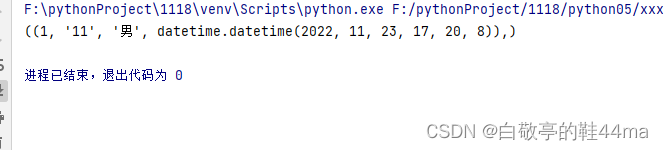
cur.execute("select * from py_student where  id = %s",(1))
查询多个
# cur.execute("select * from py_student where id =%s and name like %s",(3,"%小%")) print(cur.fetchall())
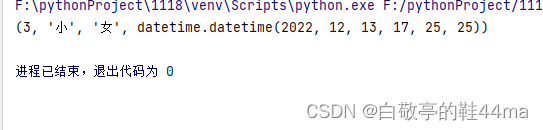
分页
 分页
cur.execute("select * from py_student  limit 1,2")
print(cur.fetchall())

二、数据库增删改查
增加
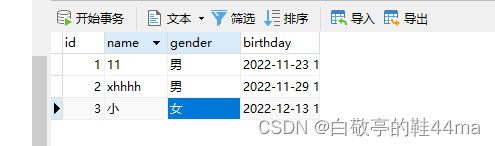
# 增删改查 from pymysql import connect # 直接导入connect # 建立连接 con=connect(user="root",password="123456",host="localhost",database="mysql") # 拿到游标 cur=con.cursor() cur.execute("""insert into py_student value (4,'嘻哈UN个','女','2002-2-2')""")此时会执行失效:原因是没有提交事务:con.commit() # 提交事务
修改
修改
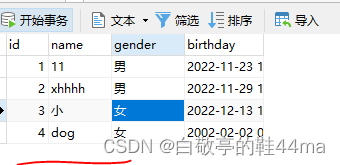
cur.execute("""update py_student set name=%s  where id=%s""",('dog','4'))
con.commit() # 提交事务
删除
# 删除
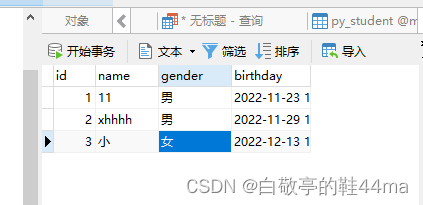
cur.execute("""delete from py_student where id=%s""",('4'))
con.commit() # 提交事务
三、数据库标准写法
由于commit操作(con.commit() # 提交事务)如果收到阻碍之间有错误,则不能正常执行删改操作,新增正常执行
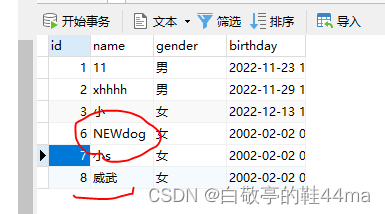
# 标准写法 --->验证同时新增和修改数据成功
try:
    cur.execute("""insert into py_student values(8,'威武','女','2002-2-2')""")
    cur.execute("""update py_student set name=%s  where id=%s""",('NEWdog','6'))
except Exception as e:
    print(e)
    con.rollback() #回滚操作

else:
    con.commit()
finally:
    cur.close() #关闭资源
    con.close()




![[附源码]计算机毕业设计会议室预定管理APPSpringboot程序](https://img-blog.csdnimg.cn/803373609d9d4f78b4f0ca4ecd880546.png)