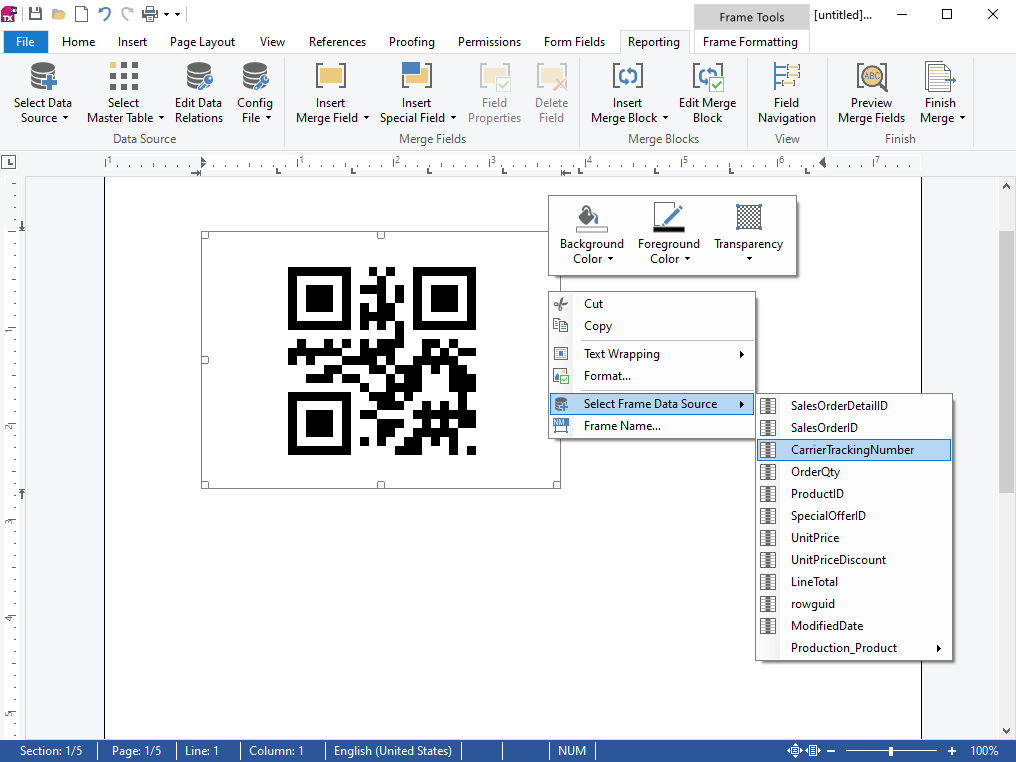
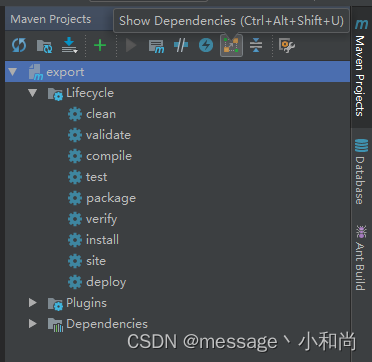
从idea中点击 Maven Projects,后点击Show Dependencies,如图所示
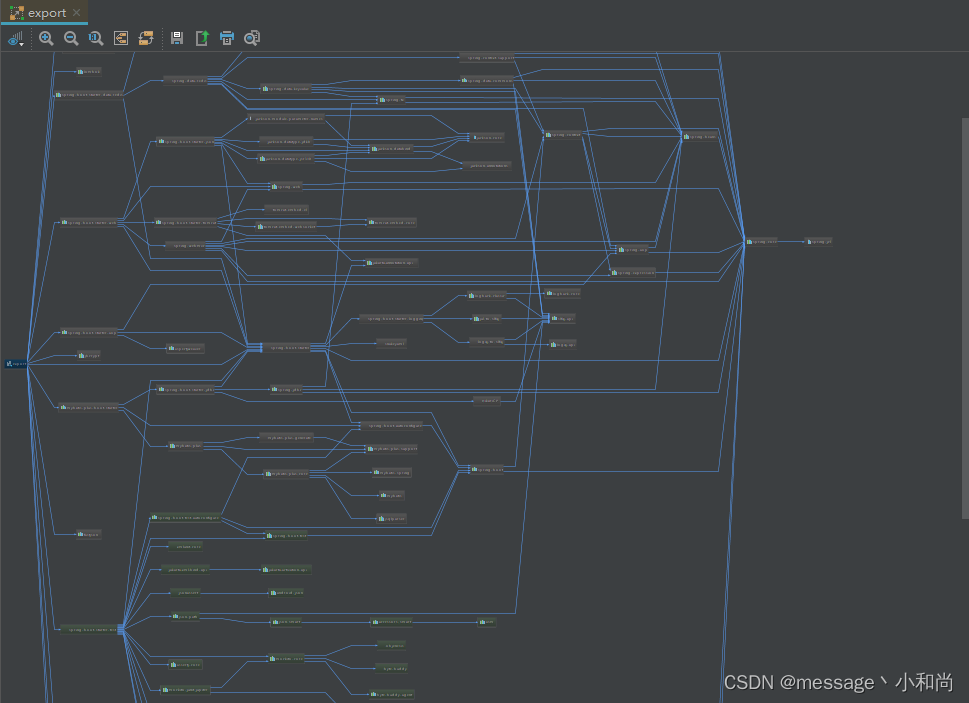
得到依赖关系图,如下
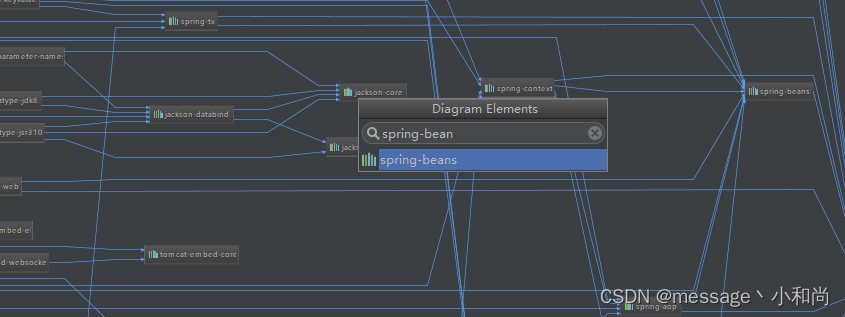
在页面进行 Ctrl + F 搜索需要的 Jar 名称
例:查找 spring-beans
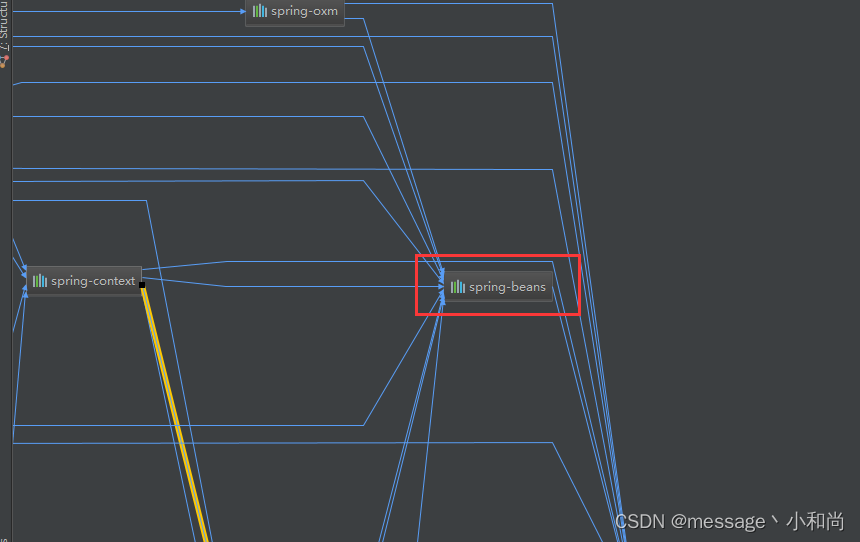
双击框定的地方,就能进入到对应的pom文件
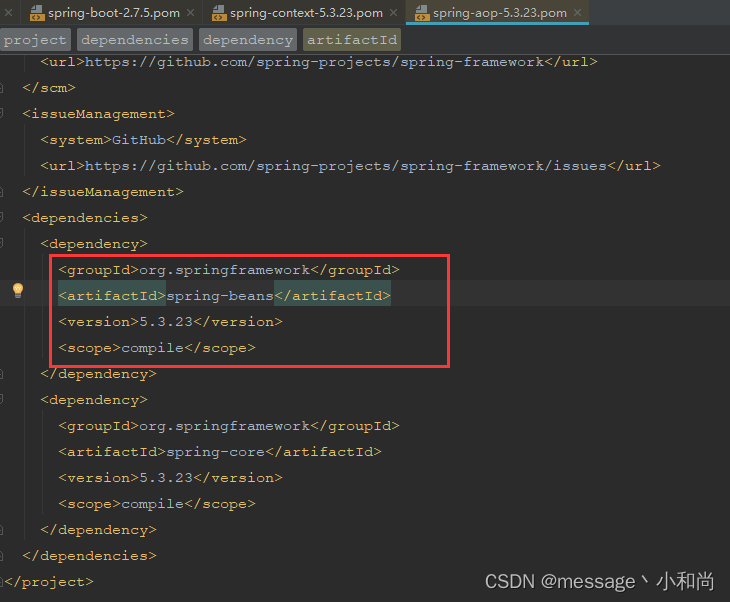
查找依赖关系
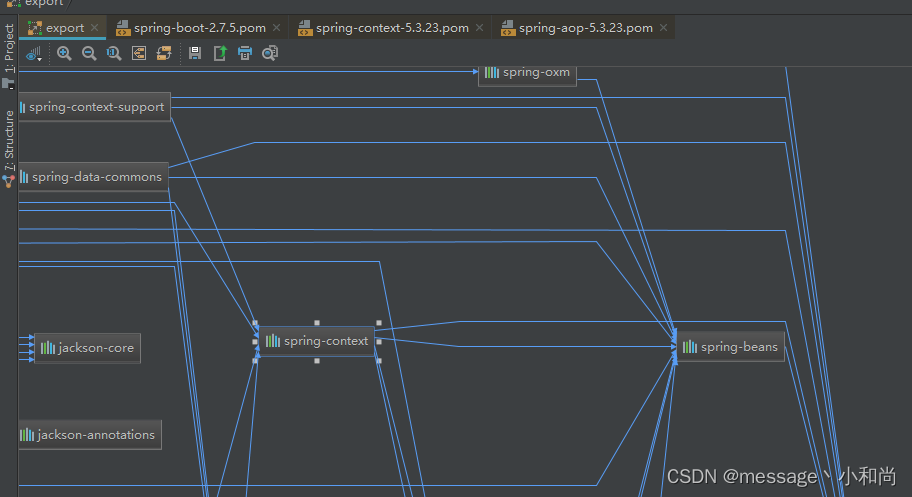
1、双击上图 spring-context
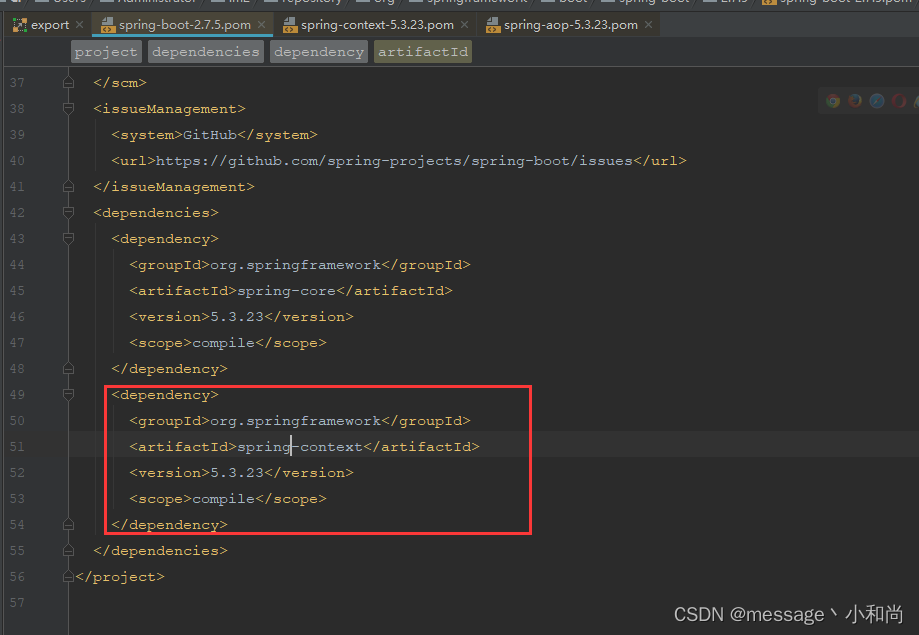
2、点击 spring-context,可以看到该出有一个 aop
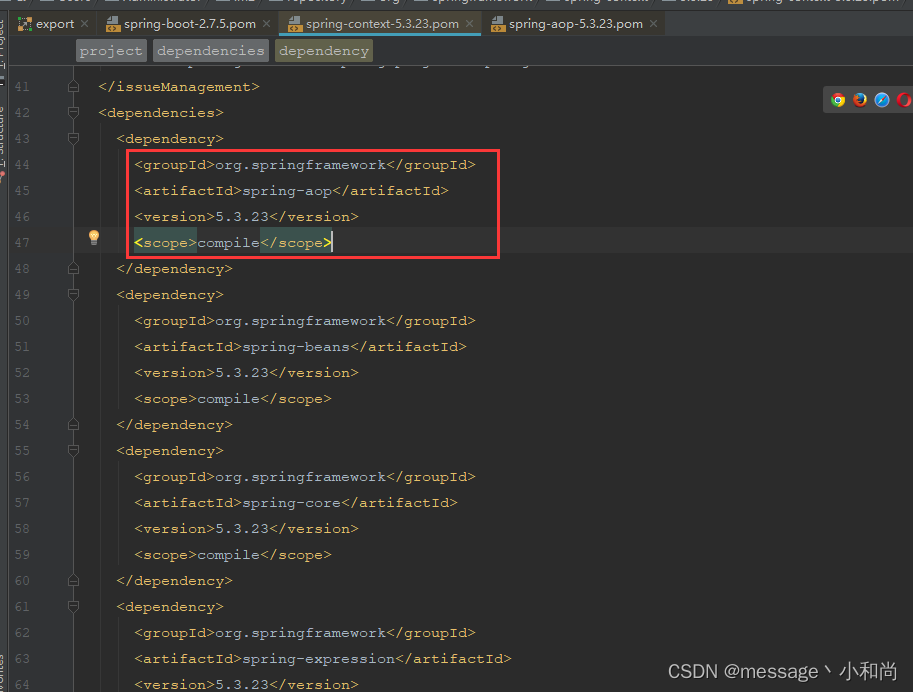
3、点击上图中的 spring-aop,如下图
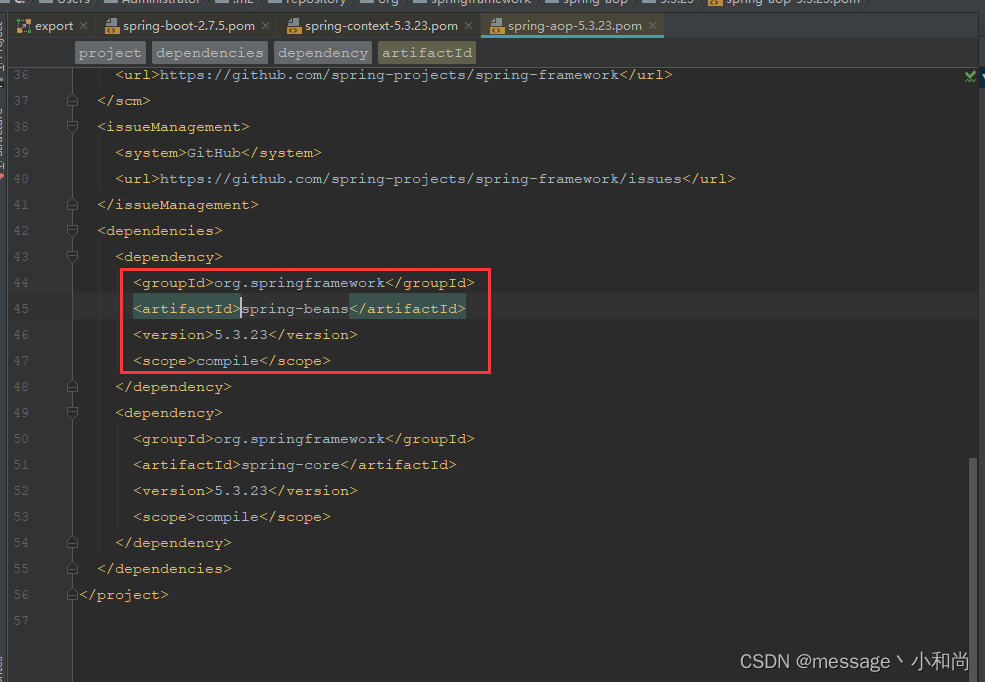
可以看到 spring-beans
4、在关系图中直接点击 spring-beans
就会发现,跳转的pom文件,就是刚才打开的 spring-aop-5.3.23.pom
maven相关分享
maven仓库地址:https://mvnrepository.com/
阿里仓库地址:https://developer.aliyun.com/mvn/search
阿里仓库settings.xml配置:
<mirrors>
	<mirror>
        <id>alimaven</id>
        <mirrorOf>central</mirrorOf>
        <name>aliyun maven</name>
        <url>http://maven.aliyun.com/nexus/content/repositories/central/</url>
    </mirror>
</mirrors>