1. 准备工具
clang与cmake

如果要处理png文件要下载安装libjpeg 
安装相当依赖:
brew install gnu-sed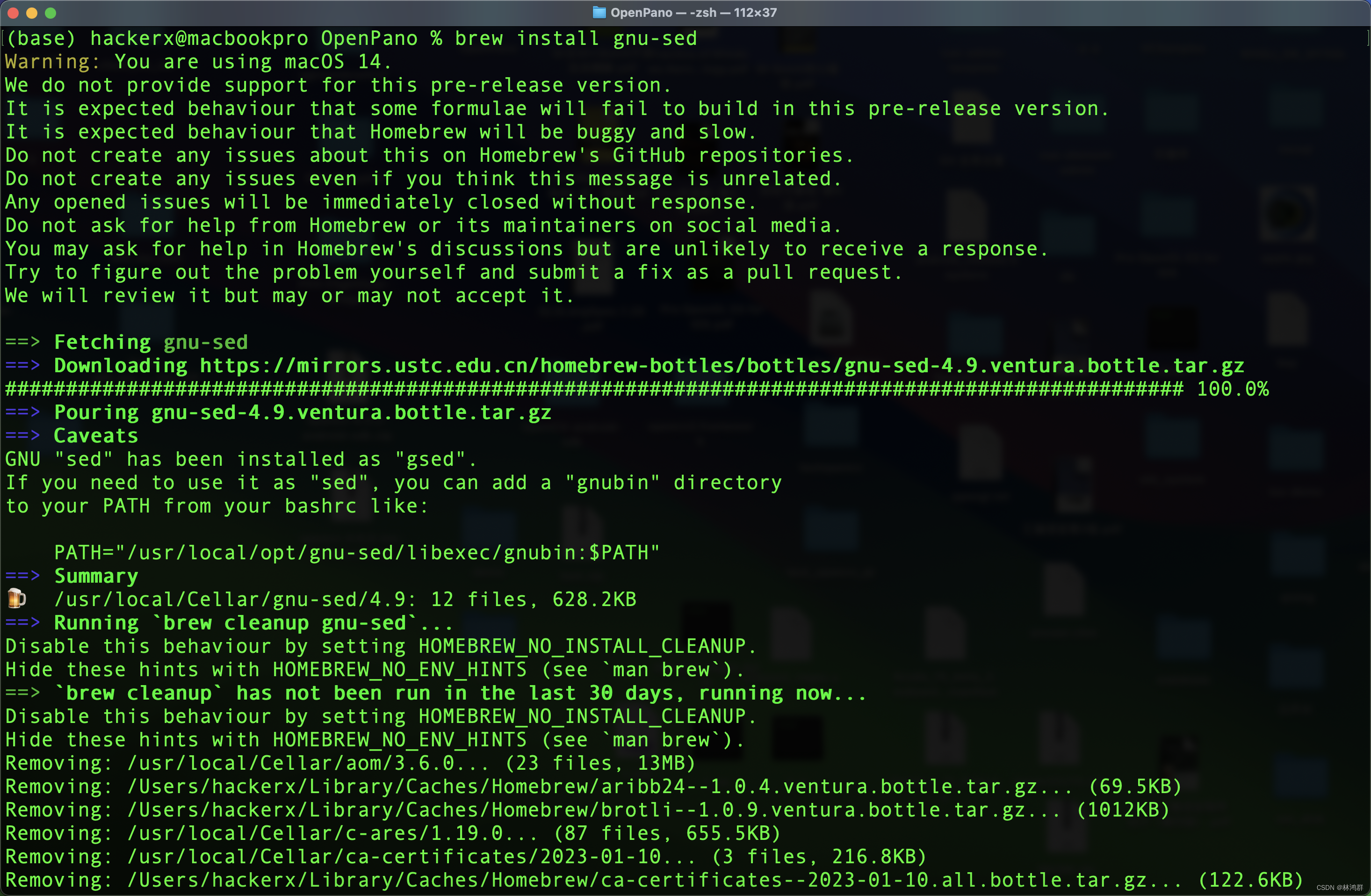
brew install libjpeg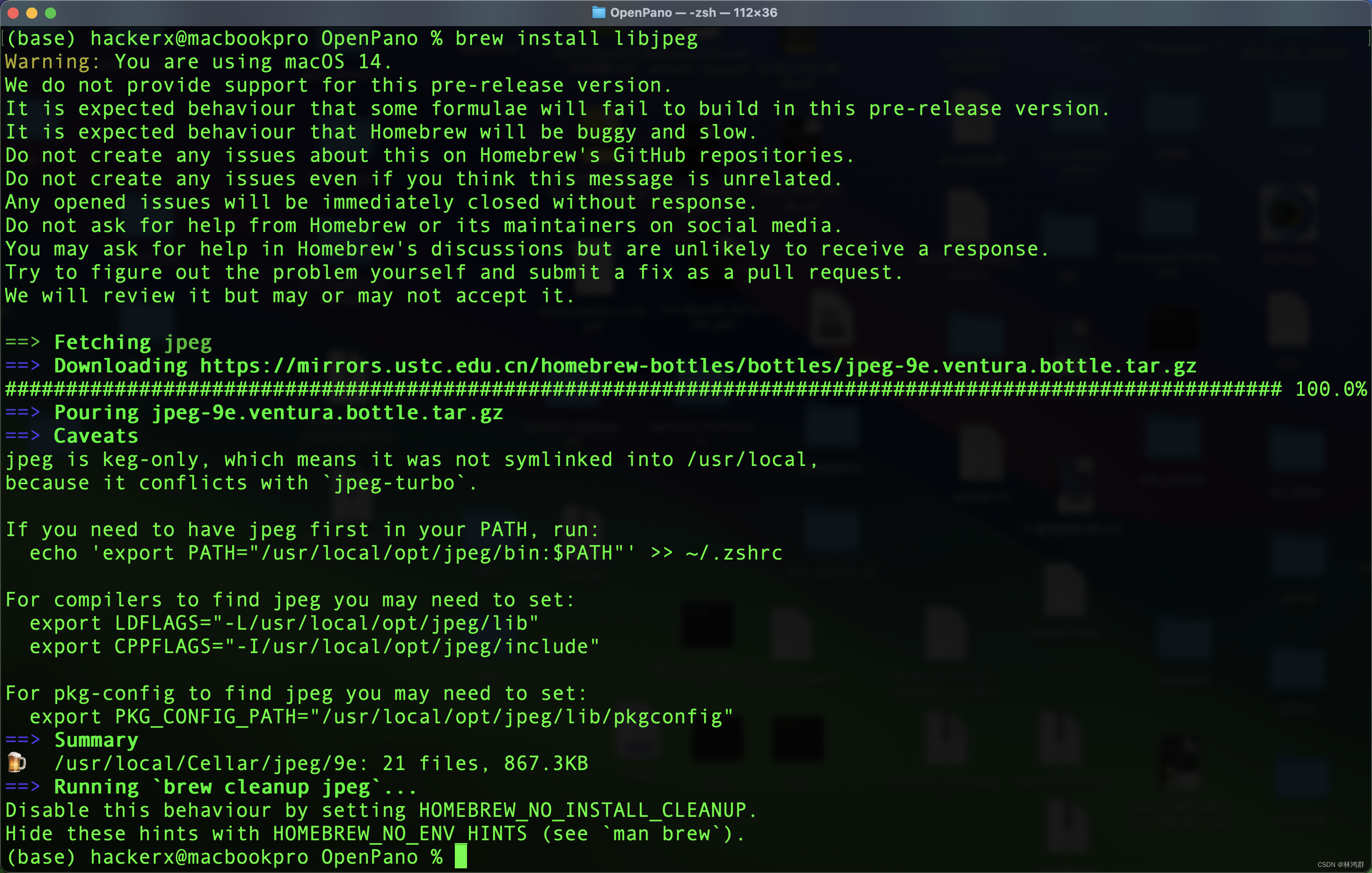
brew install eigen
brew install libomp

2.克隆源码
git clone --recursive https://github.com/ppwwyyxx/OpenPano.git

3.编译
mkdir build
cd build
cmake ..
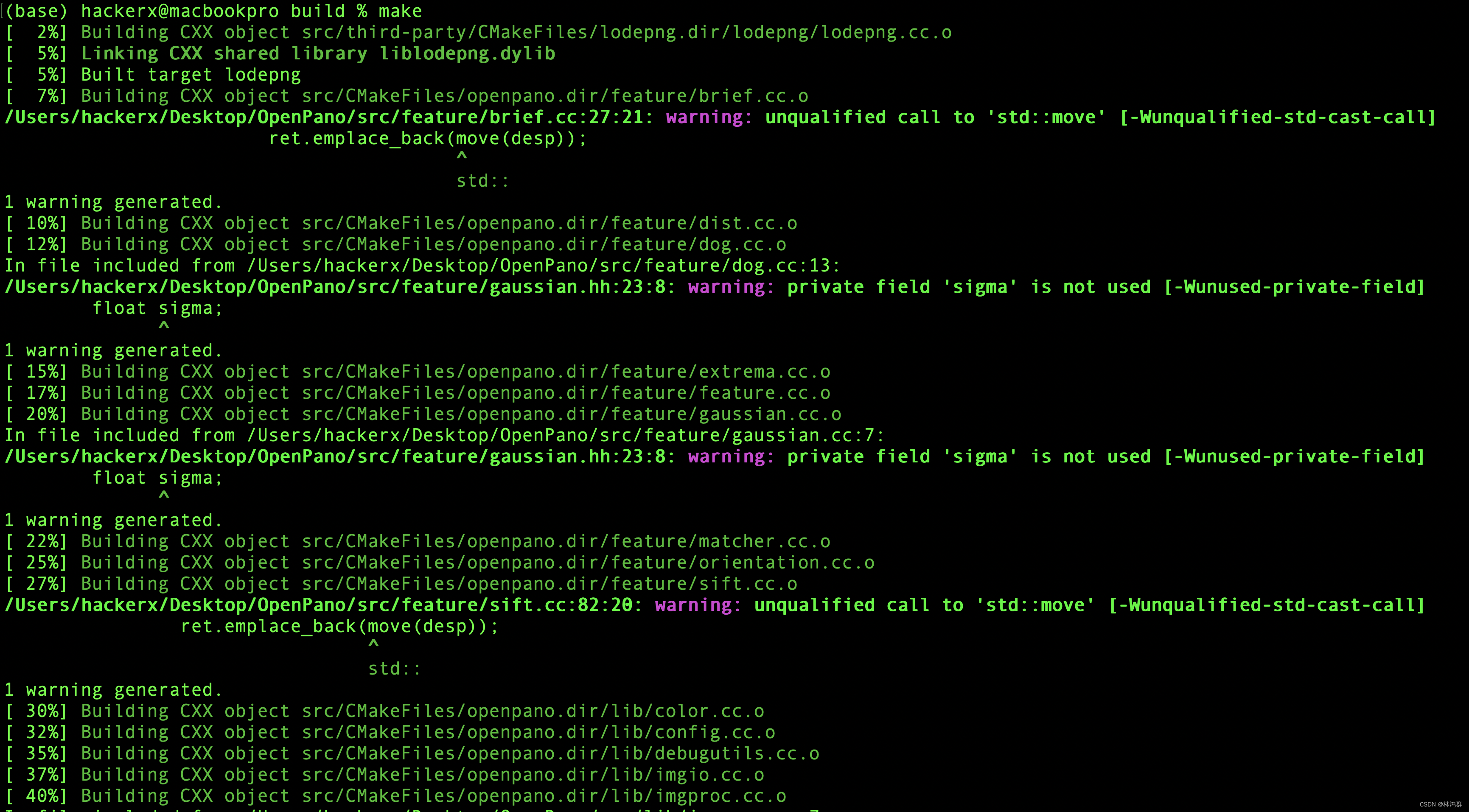
make
创建编译目录build并进入build
然后cmake .. 开始生成makefile
最后make进行编译
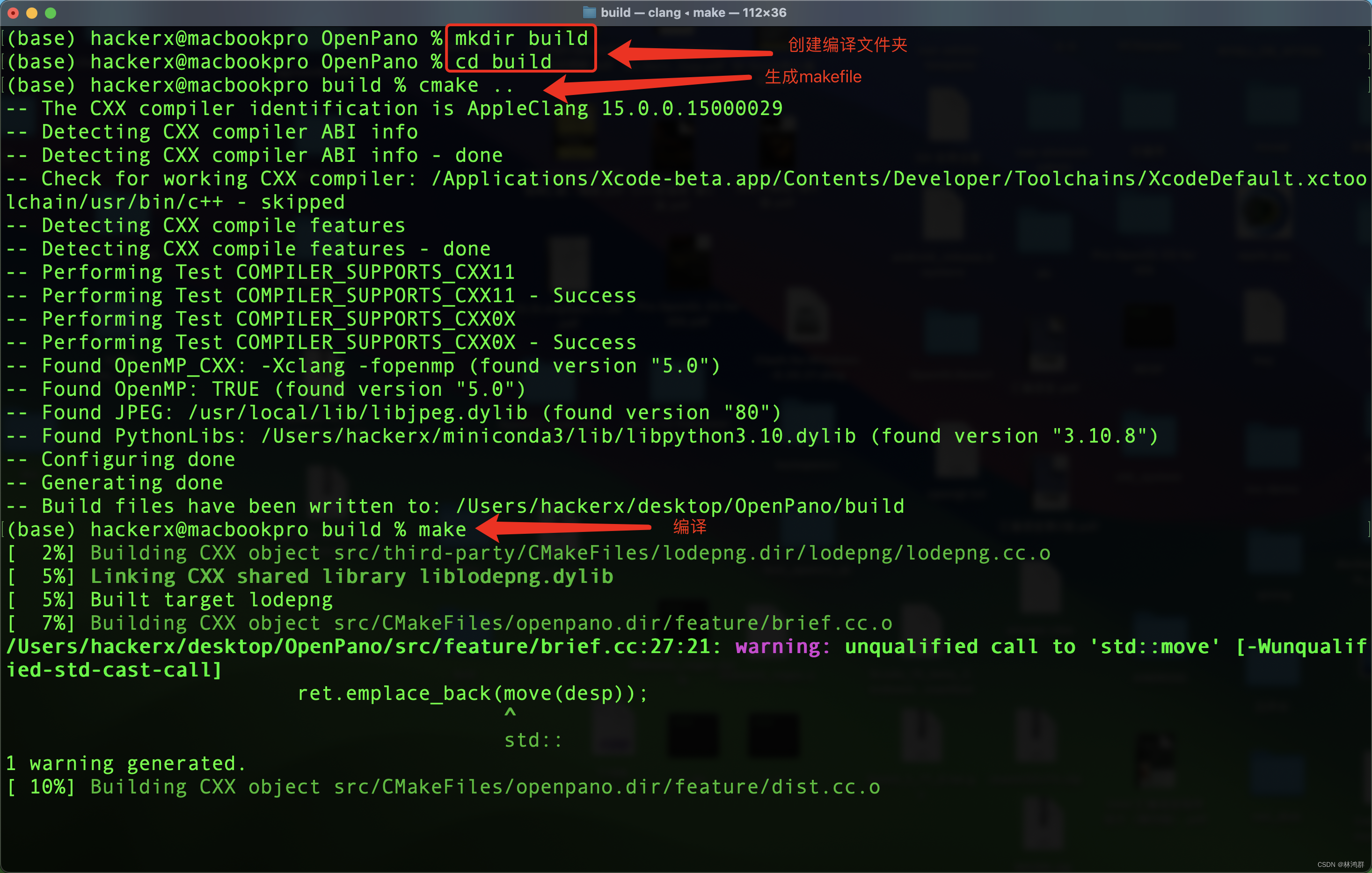
编译中...
找不到omp.h
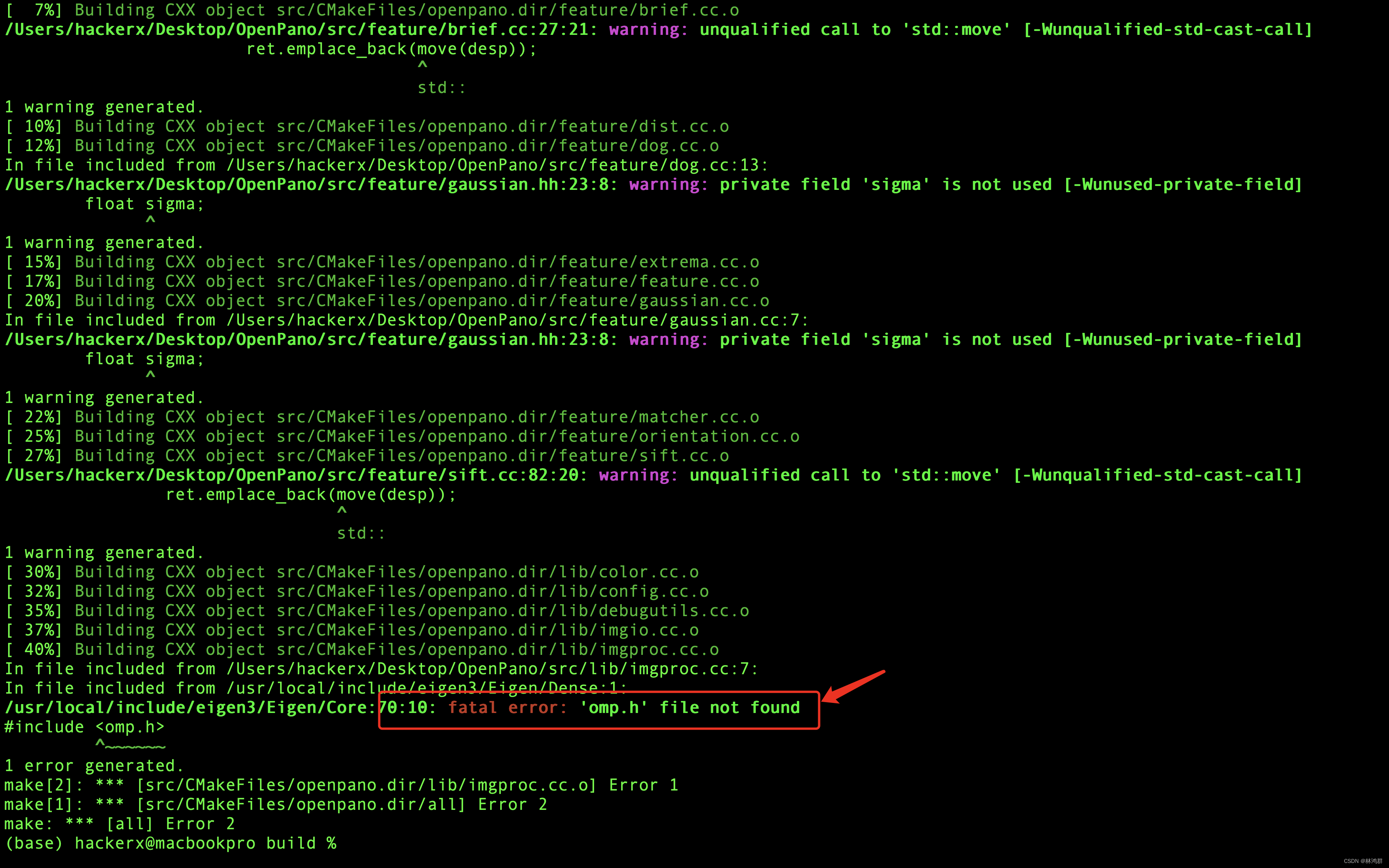 查找 omp.h

复制到src目录中

出现: ld: symbol(s) not found for architecture x86_64

出错原因:
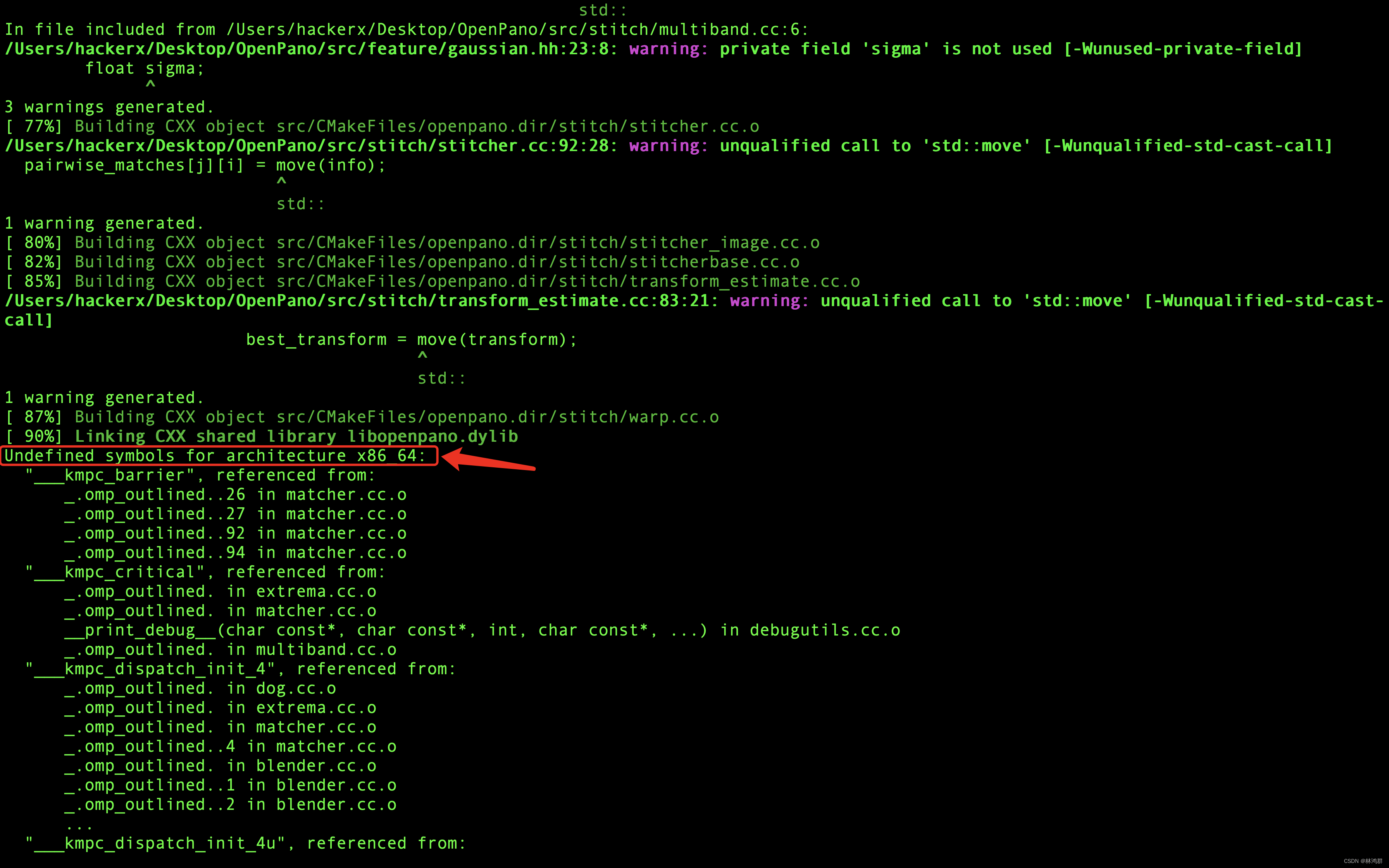
clang: error: unsupported option '-fopenmp' · Issue #16 · ppwwyyxx/OpenPano · GitHub