百度用了不行的看过来,本文专治各种流程不通的
一.直接npm下载型
- 下载ckeditor到vue项目
npm install ckeditor4-vue
2.在main.js里导入
import Vue from 'vue';
import CKEditor from 'ckeditor4-vue';

Vue.use( CKEditor );
3.在需要使用的组件里这样使用
<template>
    <div id="app">
        <ckeditor v-model="editorData" :config="editorConfig"></ckeditor>
    </div>
</template>

<script>
    export default {
        name: 'app',
        data() {
            return {
                editorData: '<p>Content of the editor.</p>',
                editorConfig: {
                    // The configuration of the editor.
                }
            };
        }
    }
</script>
不用做什么配置,傻瓜式安装。
另附官网文档:
vue2.x项目里引入cleditor4
二、下载文件引入型
1.先去官网下载你所需要的包
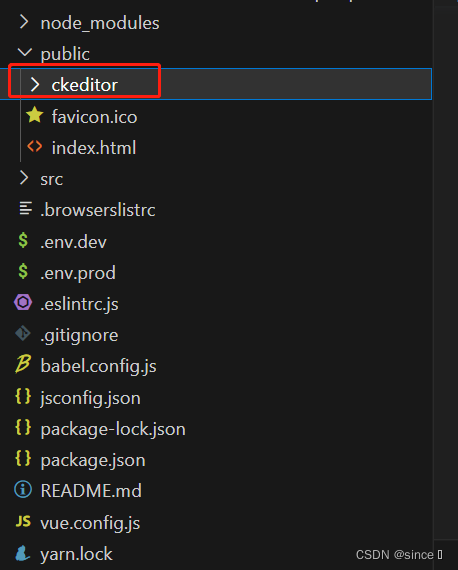
2.将下载好的包放在 public文件里面,如下图
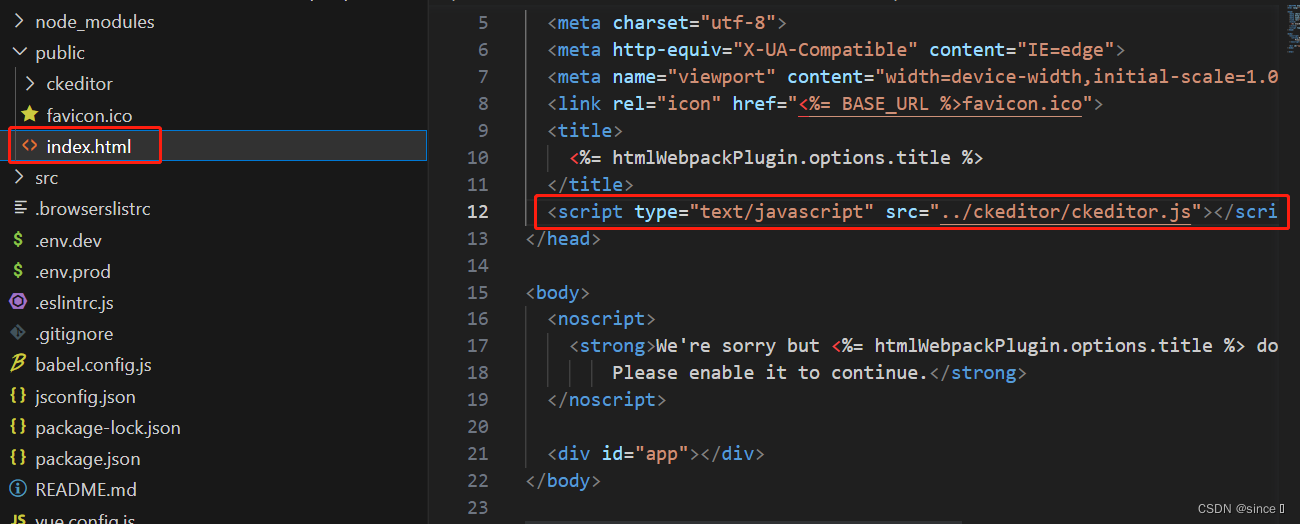
3.在public/index.html里引入文件,路径一定要正确
4.在需要的组件使用即可
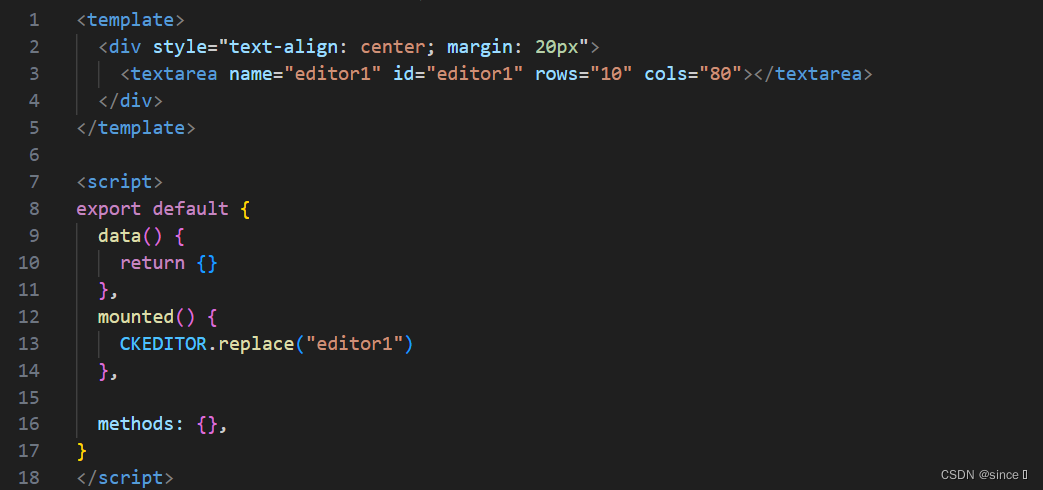
<template>
  <div style="text-align: center; margin: 20px">
    <textarea name="editor1" id="editor1" rows="10" cols="80"></textarea>
  </div>
</template>

<script>
export default {
  data() {
    return {}
  },
  mounted() {
    CKEDITOR.replace("editor1")
  },

  methods: {},
}
</script>
然后运行项目即可看到效果。
出现找不到CKEDITOR,检查一下index.html里的引入路径,一般都是路径不正确导致的



![Linux学习[15]bash学习深入1---bash的功能---变量详解](https://img-blog.csdnimg.cn/913e214c4243444aa650209e8d104b5f.png)