一. 概述
在 React16.8推出之前,我们使用react-redux并配合一些中间件,来对一些大型项目进行状态管理,React16.8推出后,我们普遍使用函数组件来构建我们的项目,React提供了两种Hook来为函数组件提供状态支持,一种是我们常用的useState,另一种就是useReducer, 其实从代码底层来看useState实际上执行的也是一个useReducer,这意味着useReducer是更原生的,你能在任何使用useState的地方都替换成使用useReducer.
Reducer的概念是伴随着Redux的出现逐渐在JavaScript中流行起来的,useReducer从字面上理解这个是reducer的一个Hook,那么能否使用useReducer配合useContext 来代替react-redux来对我们的项目进行状态管理呢?答案是肯定的。
二. useReducer 与 useContext
1. useReducer
在介绍useReducer这个Hook之前,我们先来回顾一下Reducer,简单来说 Reducer是一个函数(state, action) => newState:它接收两个参数,分别是当前应用的state和触发的动作action,它经过计算后返回一个新的state.来看一个todoList的例子:
export interface ITodo {id: numbercontent: stringcomplete: boolean
}

export interface IStore {todoList: ITodo[],
}

export interface IAction {type: string,payload: any
}

export enum ACTION_TYPE {ADD_TODO = 'addTodo',REMOVE_TODO = 'removeTodo',UPDATE_TODO = 'updateTodo',
}

import { ACTION_TYPE, IAction, IStore, ITodo } from "./type";

const todoReducer = (state: IStore, action: IAction): IStore => {const { type, payload } = actionswitch (type) {case ACTION_TYPE.ADD_TODO: //增加if (payload.length > 0) {const isExit = state.todoList.find(todo => todo.content === payload)if (isExit) {alert('存在这个了值了')return state}const item = {id: new Date().getTime(),complete: false,content: payload}return {...state,todoList: [...state.todoList, item as ITodo]}}return statecase ACTION_TYPE.REMOVE_TODO:// 删除 return {...state,todoList: state.todoList.filter(todo => todo.id !== payload)}case ACTION_TYPE.UPDATE_TODO: // 更新return {...state,todoList: state.todoList.map(todo => {return todo.id === payload ? {...todo,complete: !todo.complete} : {...todo}})}default:return state}
}
export default todoReducer
上面是个todoList的例子,其中reducer可以根据传入的action类型(ACTION_TYPE.ADD_TODO、ACTION_TYPE.REMOVE_TODO、UPDATE_TODO)来计算并返回一个新的state。reducer本质是一个纯函数,没有任何UI和副作用。接下来看下useReducer:
const [state, dispatch] = useReducer(reducer, initState);
useReducer 接受两个参数:第一个是上面我们介绍的reducer,第二个参数是初始化的state,返回的是个数组,数组第一项是当前最新的state,第二项是dispatch函数,它主要是用来dispatch不同的Action,从而触发reducer计算得到对应的state.
利用上面创建的reducer,看下如何使用useReducer这个Hook:
const initState: IStore = {todoList: [],themeColor: 'black',themeFontSize: 16
}

const ReducerExamplePage: React.FC = (): ReactElement => {const [state, dispatch] = useReducer(todoReducer, initState)const inputRef = useRef<HTMLInputElement>(null);const addTodo = () => {const val = inputRef.current!.value.trim()dispatch({ type: ACTION_TYPE.ADD_TODO, payload: val })inputRef.current!.value = ''}const removeTodo = useCallback((id: number) => {dispatch({ type: ACTION_TYPE.REMOVE_TODO, payload: id })}, [])const updateTodo = useCallback((id: number) => {dispatch({ type: ACTION_TYPE.UPDATE_TODO, payload: id })}, [])return (<div className="example" style={{ color: state.themeColor, fontSize: state.themeFontSize }}>ReducerExamplePage<div><input type="text" ref={inputRef}></input><button onClick={addTodo}>增加</button><div className="example-list">{state.todoList && state.todoList.map((todo: ITodo) => {return (<ListItem key={todo.id} todo={todo} removeTodo={removeTodo} updateTodo={updateTodo} />)})}</div></div></div>)
}
export default ReducerExamplePage
ListItem.tsx
import React, { ReactElement } from 'react';
import { ITodo } from '../typings';

interface IProps {todo:ITodo,removeTodo: (id:number) => void,updateTodo: (id: number) => void
}
constListItem:React.FC<IProps> = ({todo,updateTodo,removeTodo
}) : ReactElement => {const {id, content, complete} = todoreturn (<div> {/* 不能使用onClick,会被认为是只读的 */}<input type="checkbox" checked={complete} onChange = {() => updateTodo(id)}></input><span style={{textDecoration:complete?'line-through' : 'none'}}>{content}</span><button onClick={()=>removeTodo(id)}>删除</button></div>);
}
export default ListItem;
useReducer利用上面创建的todoReducer与初始状态initState完成了初始化。用户触发增加、删除、更新操作后,通过dispatch派发不类型的Action,reducer根据接收到的不同Action,调用各自逻辑,完成对state的处理后返回新的state。
可以看到useReducer的使用逻辑,几乎跟react-redux的使用方式相同,只不过react-redux中需要我们利用actionCreator来进行action的创建,以便利用Redux中间键(如redux-thunk)来处理一些异步调用。
那是不是可以使用useReducer来代替react-redux了呢?我们知道react-redux可以利用connect函数,并且使用Provider来对<App />进行了包裹,可以使任意组件访问store的状态。
 <Provider store={store}> <App />
 </Provider>
如果想要useReducer到达类似效果,我们需要用到useContext这个Hook。
2. useContext
useContext顾名思义,它是以Hook的方式使用React Context。先简单介绍 Context。 Context设计目的是为了共享那些对于一个组件树而言是**“全局”**的数据,它提供了一种在组件之间共享值的方式,而不用显式地通过组件树逐层的传递props。
const value = useContext(MyContext);
useContext:接收一个context对象(React.createContext 的返回值)并返回该context的当前值,当前的 context值由上层组件中距离当前组件最近的<MyContext.Provider>的 value prop 决定。来看官方给的例子:
const themes = {light: {foreground: "#000000",background: "#eeeeee"},dark: {foreground: "#ffffff",background: "#222222"}
};

const ThemeContext = React.createContext(themes.light);

function App() {return (<ThemeContext.Provider value={themes.dark}><Toolbar /></ThemeContext.Provider>);
}

function Toolbar(props) {return (<div><ThemedButton /></div>);
}

function ThemedButton() {const theme = useContext(ThemeContext);return (<button style={{ background: theme.background, color: theme.foreground }}>I am styled by theme context!</button>);
}
上面的例子,首先利用React.createContext创建了context,然后用ThemeContext.Provider标签包裹需要进行状态共享的组件树,在子组件中使用useContext获取到value值进行使用。
利用useReducer、useContext这两个Hook就可以实现对react-redux的替换了。
三. 代替方案
通过一个例子看下如何利用useReducer+useContext代替react-redux,实现下面的效果:
react-redux实现
这里假设你已经熟悉了react-redux的使用,如果对它不了解可以去 查看.使用它来实现上面的需求:
- 首先项目中导入我们所需类库后,创建
Store``Store/index.tsx````import { createStore,compose,applyMiddleware } from 'redux';import reducer from './reducer';import thunk from 'redux-thunk';// 配置 redux-thunkconst composeEnhancers = compose;const store = createStore(reducer,composeEnhancers(applyMiddleware(thunk)// 配置 redux-thunk));export type RootState = ReturnType<typeof store.getState>export default store; ```* 创建reducer与actionCreator``reducer.tsximport { ACTION_TYPE, IAction, IStore, ITodo } from "../../ReducerExample/type";const defaultState:IStore = {todoList:[],themeColor: '',themeFontSize: 14};const todoReducer = (state: IStore = defaultState, action: IAction): IStore => {const { type, payload } = actionswitch (type) {case ACTION_TYPE.ADD_TODO: // 新增if (payload.length > 0) {const isExit = state.todoList.find(todo => todo.content === payload)if (isExit) {alert('存在这个了值了')return state}const item = {id: new Date().getTime(),complete: false,content: payload}return {...state,todoList: [...state.todoList, item as ITodo]}}return statecase ACTION_TYPE.REMOVE_TODO:// 删除 return {...state,todoList: state.todoList.filter(todo => todo.id !== payload)}case ACTION_TYPE.UPDATE_TODO: // 更新return {...state,todoList: state.todoList.map(todo => {return todo.id === payload ? {...todo,complete: !todo.complete} : {...todo}})}case ACTION_TYPE.CHANGE_COLOR:return {...state,themeColor: payload}case ACTION_TYPE.CHANGE_FONT_SIZE:return {...state,themeFontSize: payload}default:return state}}export default todoReduceractionCreator.tsx````import {ACTION_TYPE, IAction } from "…/…/ReducerExample/type"import { Dispatch } from “redux”;export const addCount = (val: string):IAction => ({ type: ACTION_TYPE.ADD_TODO, payload:val})export const removeCount = (id: number):IAction => ({ type: ACTION_TYPE.REMOVE_TODO, payload:id})export const upDateCount = (id: number):IAction => ({ type: ACTION_TYPE.UPDATE_TODO, payload:id})export const changeThemeColor = (color: string):IAction => ({ type: ACTION_TYPE.CHANGE_COLOR, payload:color})export const changeThemeFontSize = (fontSize: number):IAction => ({ type: ACTION_TYPE.CHANGE_FONT_SIZE, payload:fontSize})export const asyncAddCount = (val: string) => { console.log(‘val======’,val); return (dispatch:Dispatch) => { Promise.resolve().then(() => { setTimeout(() => { dispatch(addCount(val))}, 2000); }) }} ```最后我们在组件中通过useSelector,useDispatch这两个Hook来分别获取state以及派发action:
const todoList = useSelector((state: RootState) => state.newTodo.todoList)
const dispatch = useDispatch()
......
useReducer + useContext 实现
为了实现修改颜色与字号的需求,在最开始的useReducer我们再添加两种action类型,完成后的reducer:
const todoReducer = (state: IStore, action: IAction): IStore => {const { type, payload } = actionswitch (type) {...case ACTION_TYPE.CHANGE_COLOR: // 修改颜色return {...state,themeColor: payload}case ACTION_TYPE.CHANGE_FONT_SIZE: // 修改字号return {...state,themeFontSize: payload}default:return state}
}
export default todoReducer
在父组件中创建Context,并将需要与子组件共享的数据传递给Context.Provider的Value prop
const initState: IStore = {todoList: [],themeColor: 'black',themeFontSize: 14
}
// 创建 context
export const ThemeContext = React.createContext(initState);

const ReducerExamplePage: React.FC = (): ReactElement => {...const changeColor = () => {dispatch({ type: ACTION_TYPE.CHANGE_COLOR, payload: getColor() })}const changeFontSize = () => {dispatch({ type: ACTION_TYPE.CHANGE_FONT_SIZE, payload: 20 })}const getColor = (): string => {const x = Math.round(Math.random() * 255);const y = Math.round(Math.random() * 255);const z = Math.round(Math.random() * 255);return 'rgb(' + x + ',' + y + ',' + z + ')';}return (// 传递state值<ThemeContext.Provider value={state}><div className="example">ReducerExamplePage<div><input type="text" ref={inputRef}></input><button onClick={addTodo}>增加</button><div className="example-list">{state.todoList && state.todoList.map((todo: ITodo) => {return (<ListItem key={todo.id} todo={todo} removeTodo={removeTodo} updateTodo={updateTodo} />)})}</div><button onClick={changeColor}>改变颜色</button><button onClick={changeFontSize}>改变字号</button></div></div></ThemeContext.Provider>)
}
export default memo(ReducerExamplePage)
然后在ListItem中使用const theme = useContext(ThemeContext); 获取传递的颜色与字号,并进行样式绑定
// 引入创建的contextimport { ThemeContext } from '../../ReducerExample/index'...// 获取传递的数据const theme = useContext(ThemeContext); return (<div><input type="checkbox" checked={complete} onChange={() => updateTodo(id)} style={{ color: theme.themeColor, fontSize: theme.themeFontSize }}></input><span style={{ textDecoration: complete ? 'line-through' : 'none', color: theme.themeColor, fontSize: theme.themeFontSize }}>{content}</span><button onClick={() => removeTodo(id)} style={{ color: theme.themeColor, fontSize: theme.themeFontSize }}>删除</button></div>);
可以看到在useReducer结合useContext,通过Context把state数据给组件树中的所有组件使用 ,而不用通过props添加回调函数的方式一层层传递,达到了数据共享的目的。
最后
整理了一套《前端大厂面试宝典》,包含了HTML、CSS、JavaScript、HTTP、TCP协议、浏览器、VUE、React、数据结构和算法,一共201道面试题,并对每个问题作出了回答和解析。
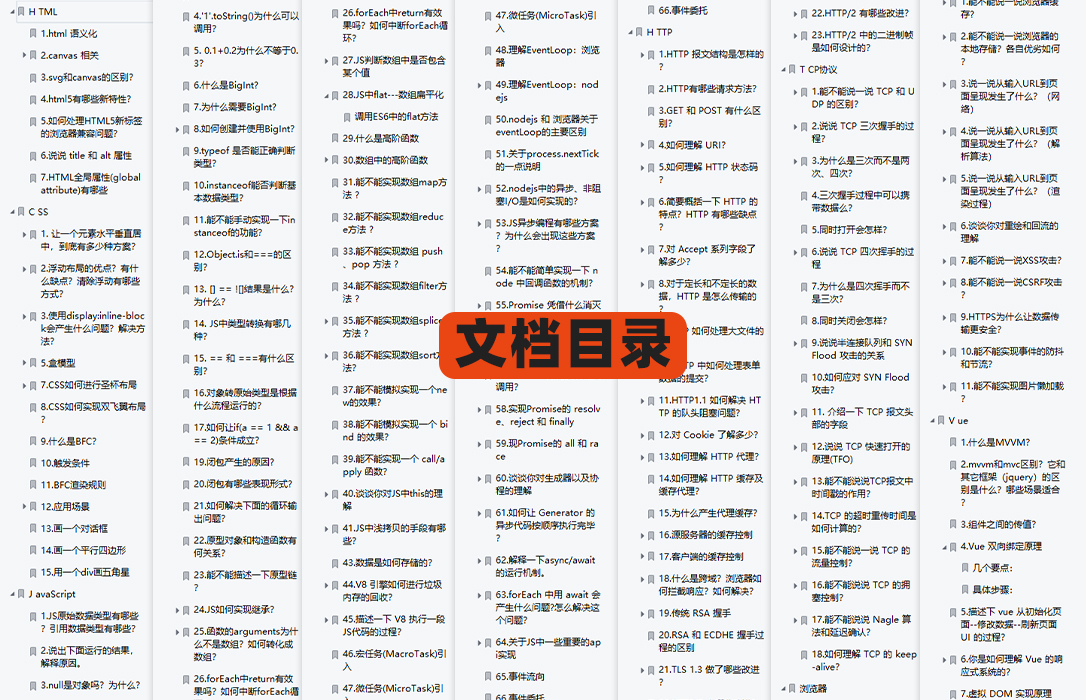
有需要的小伙伴,可以点击文末卡片领取这份文档,无偿分享
部分文档展示:
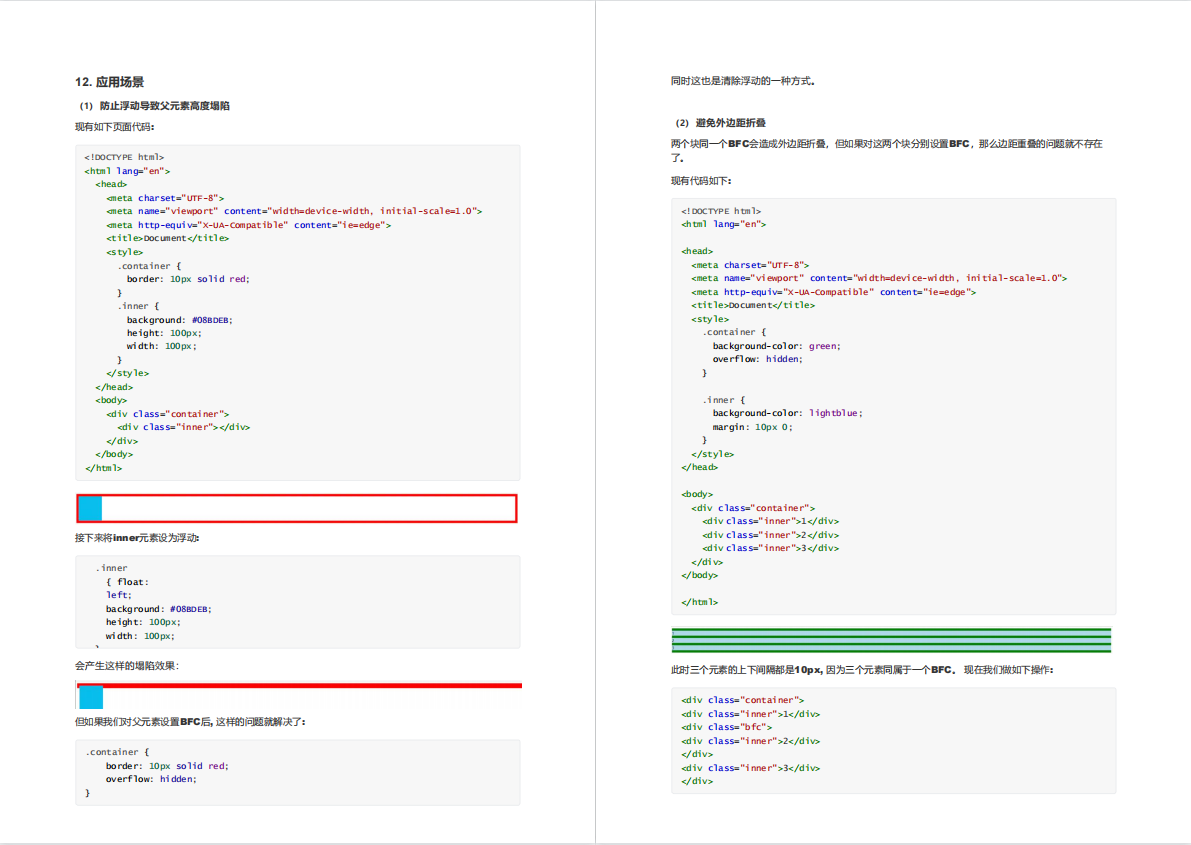
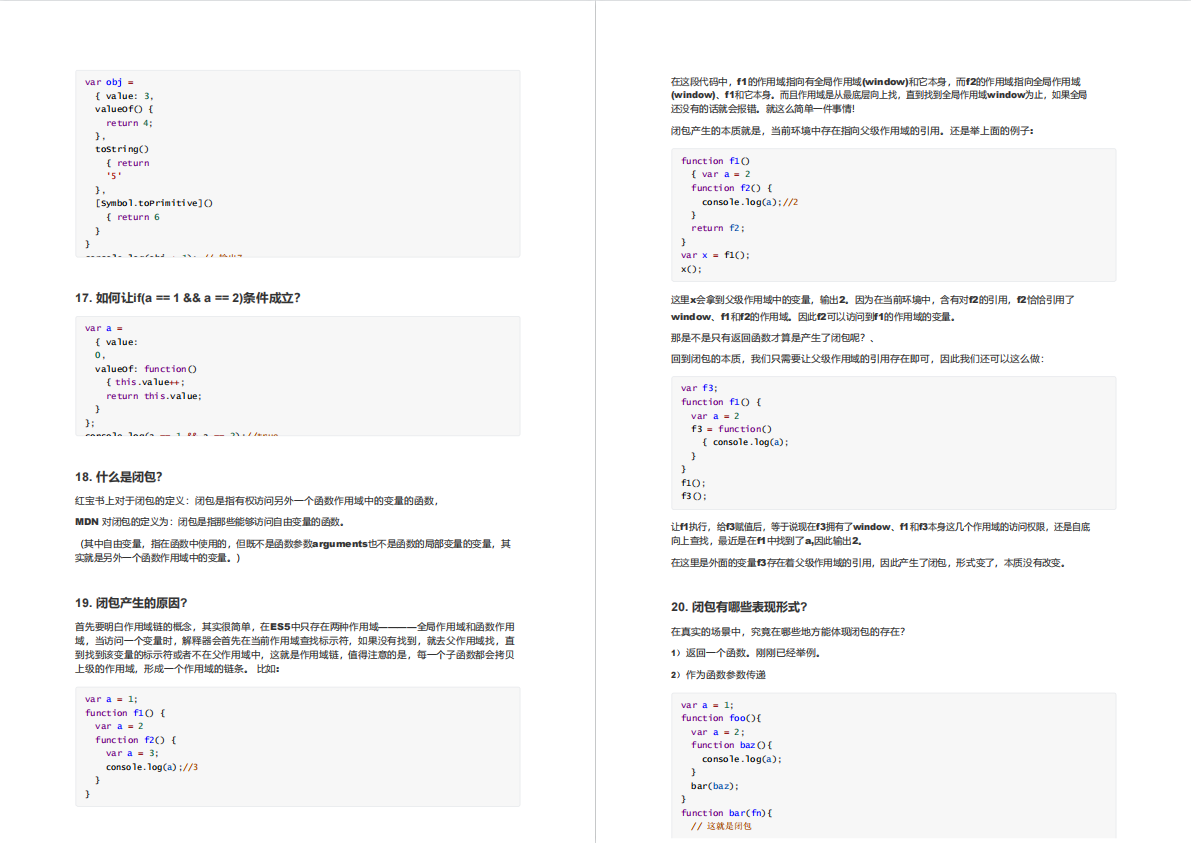
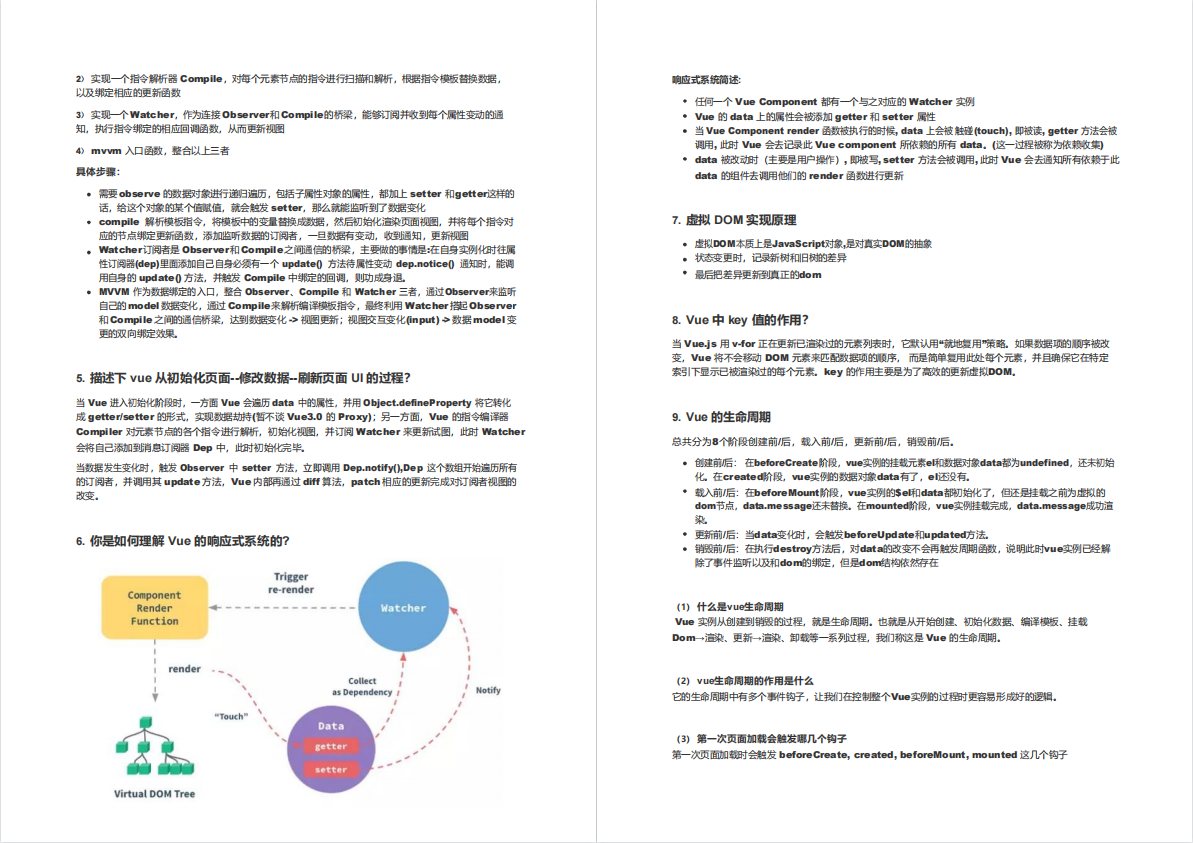
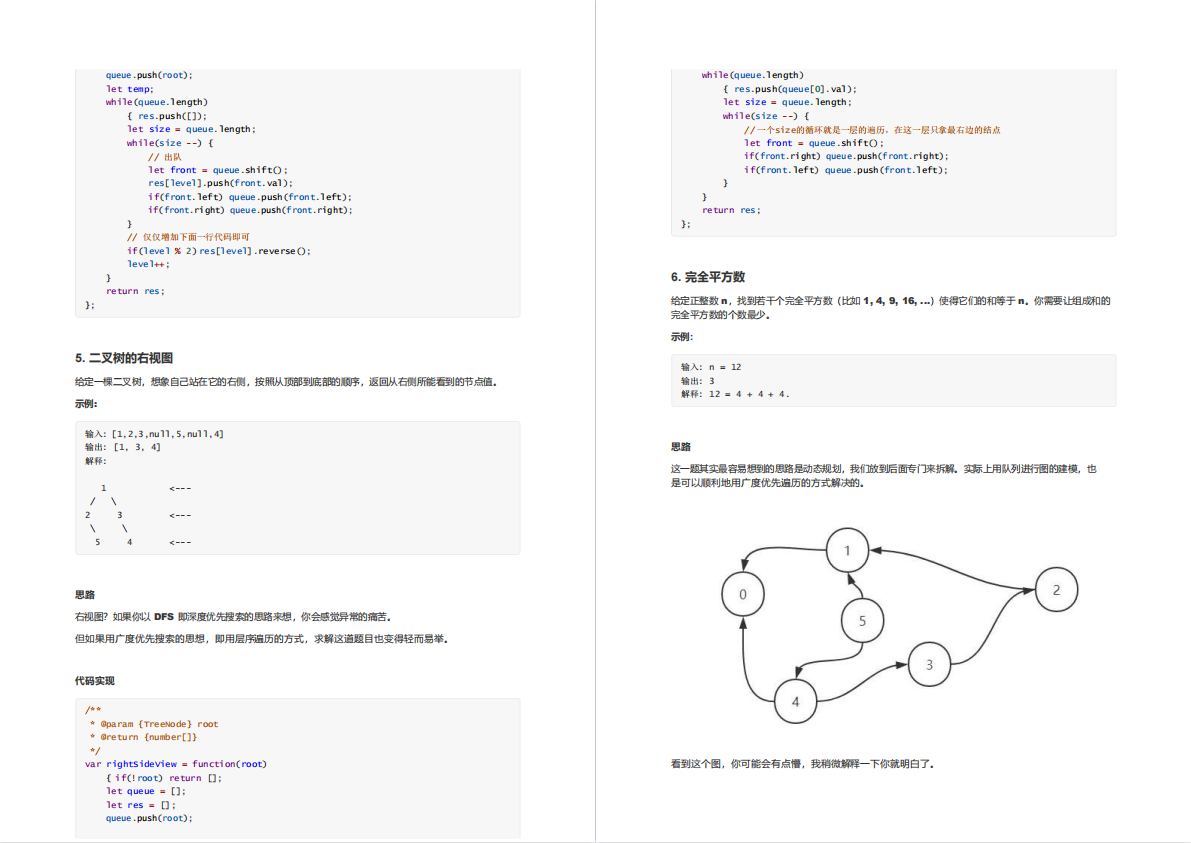
文章篇幅有限,后面的内容就不一一展示了
有需要的小伙伴,可以点下方卡片免费领取