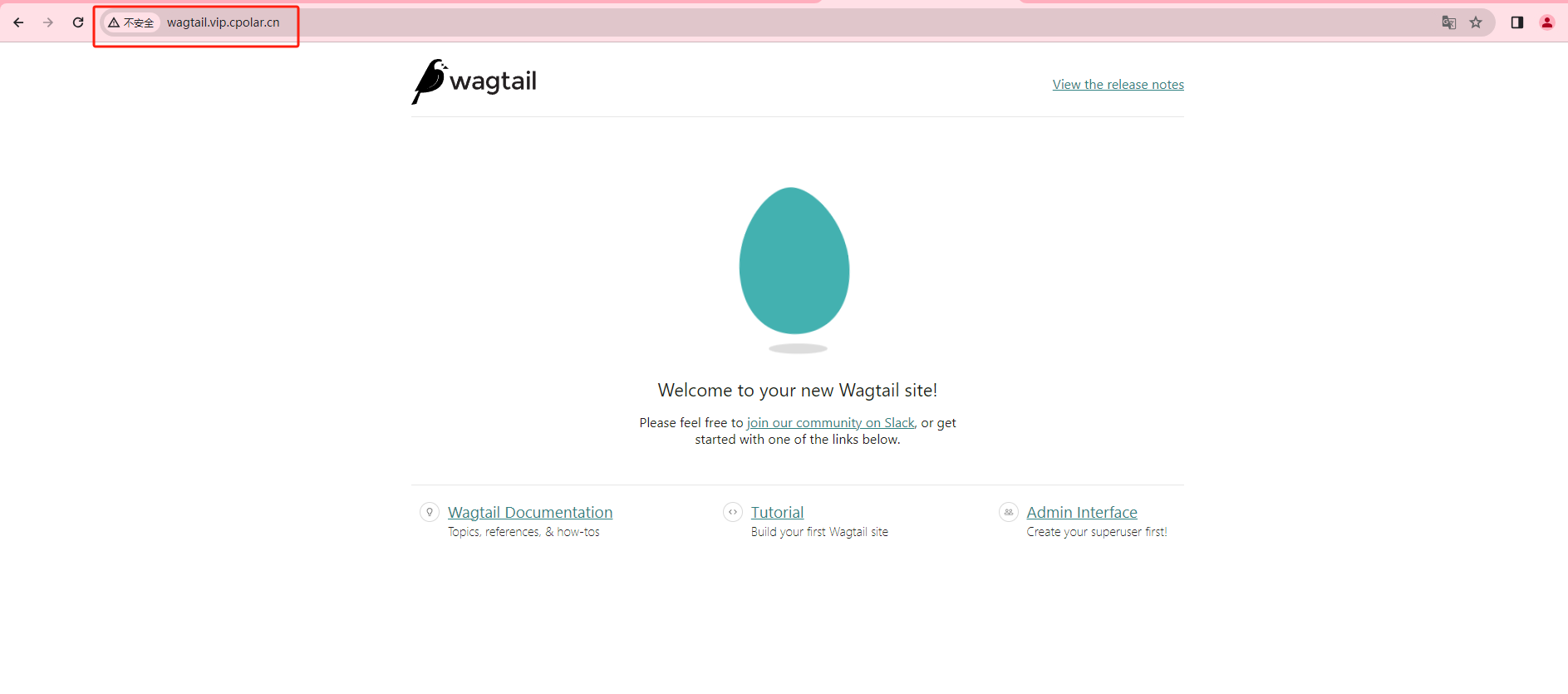
以连接阿里云上的Redis为例
1. 在阿里云安全组中开放端口
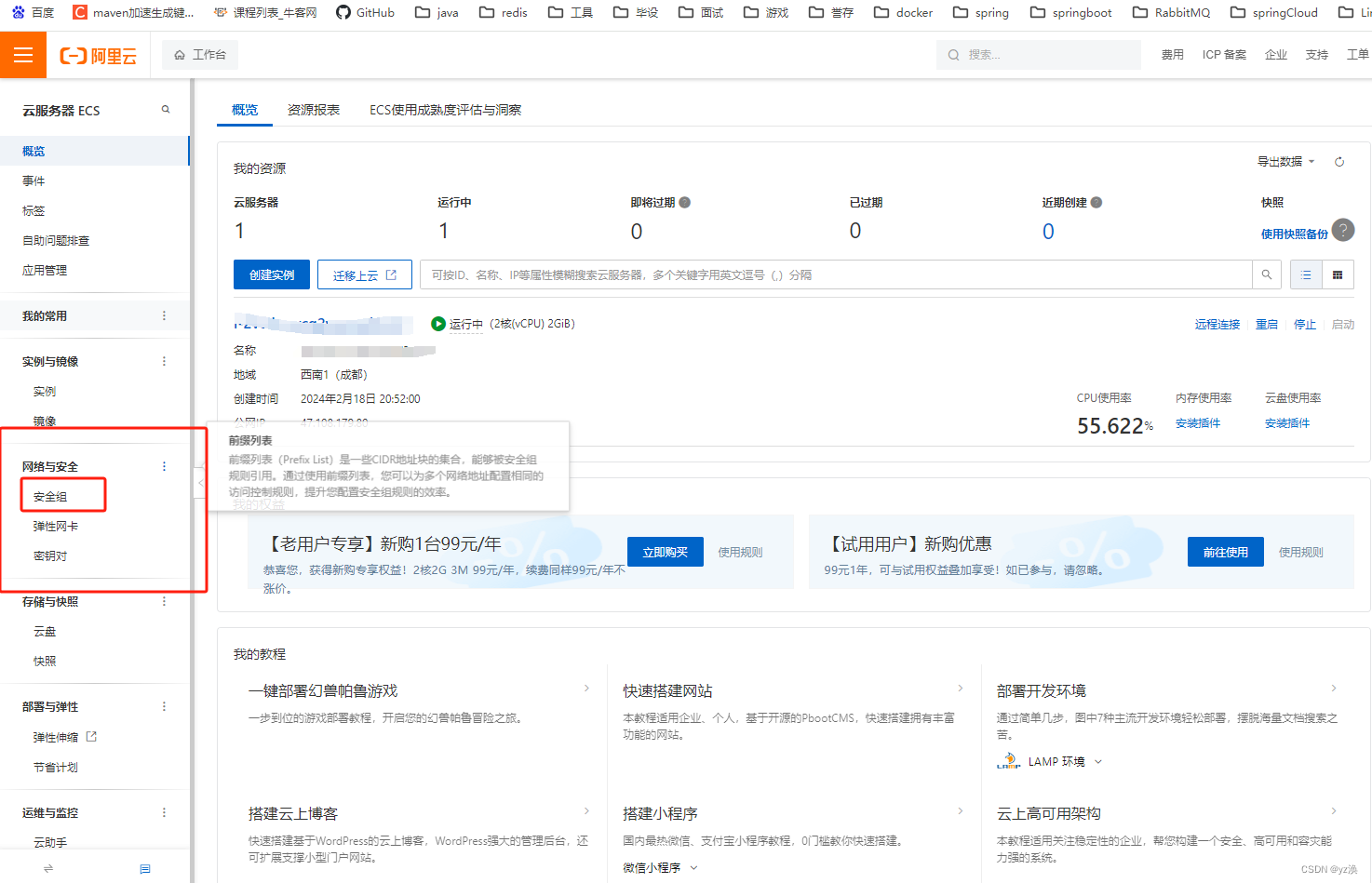
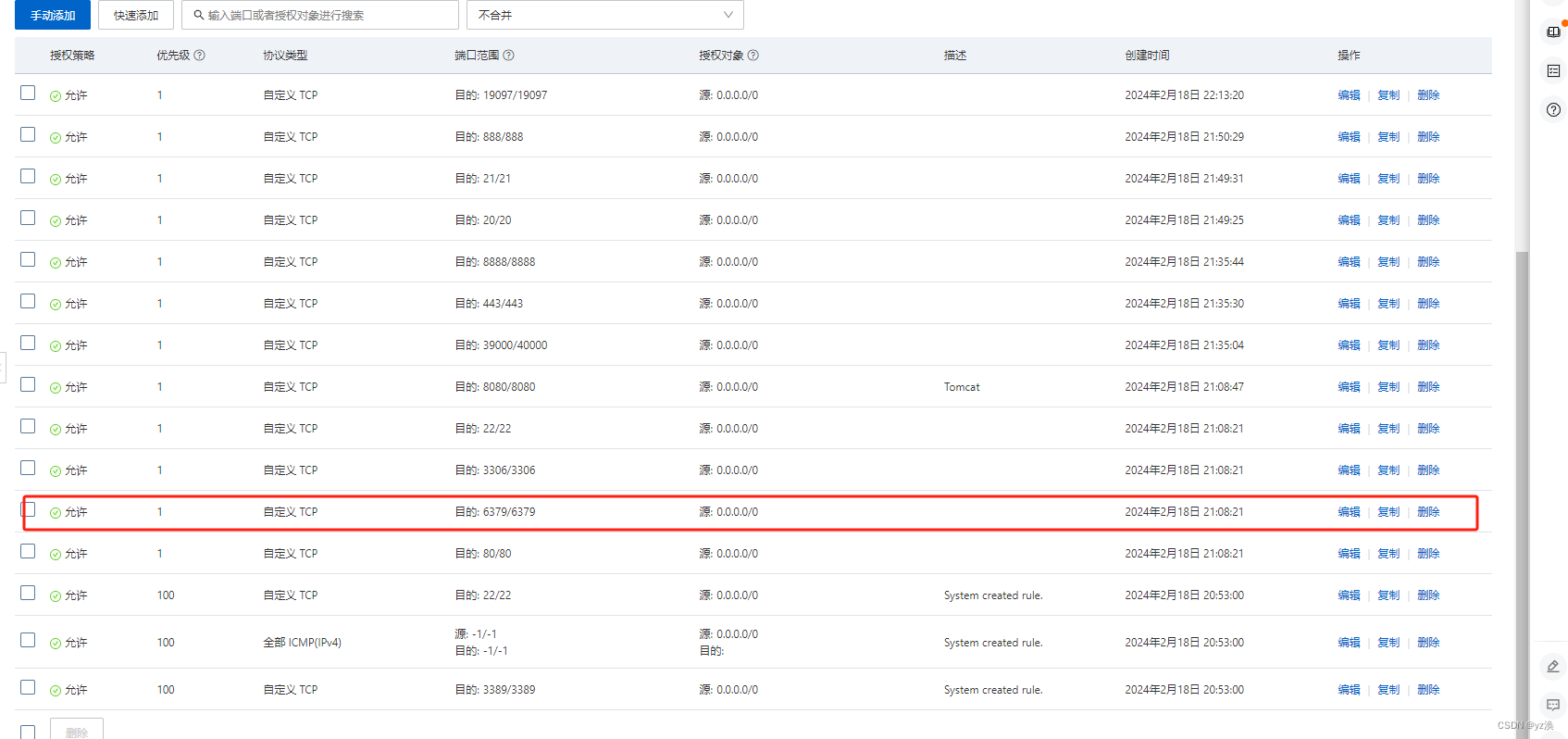
2.修改Redis启动时所用的配置文件(redis.conf)
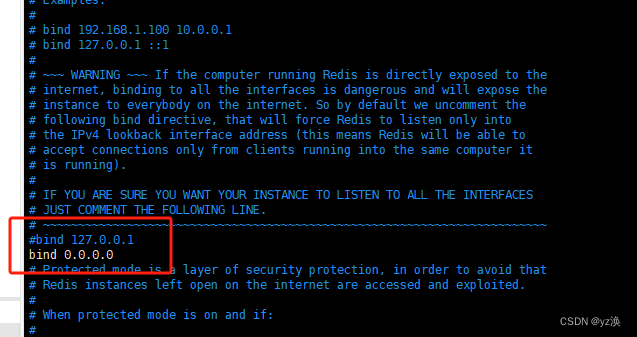
2.1 修改ip地址
如图:将默认的本地ip bind 127.0.0.1地址改为bind 0.0.0.0
2.2 将保护模式关闭
将默认的 supervised yes 改为 no
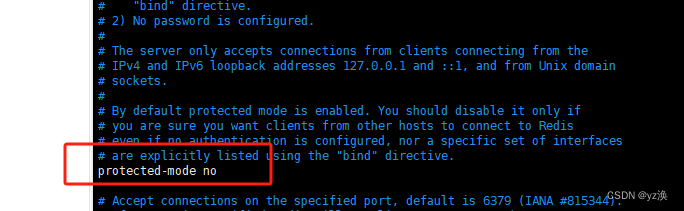
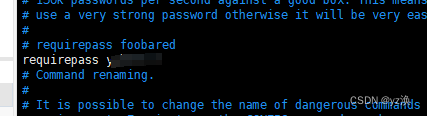
2.3 设置密码(建议设置)
requirepass foobared 改为 requirepass password(自己设置的密码)
3.保存配置文件,重启redis
redis-server /../redis.conf
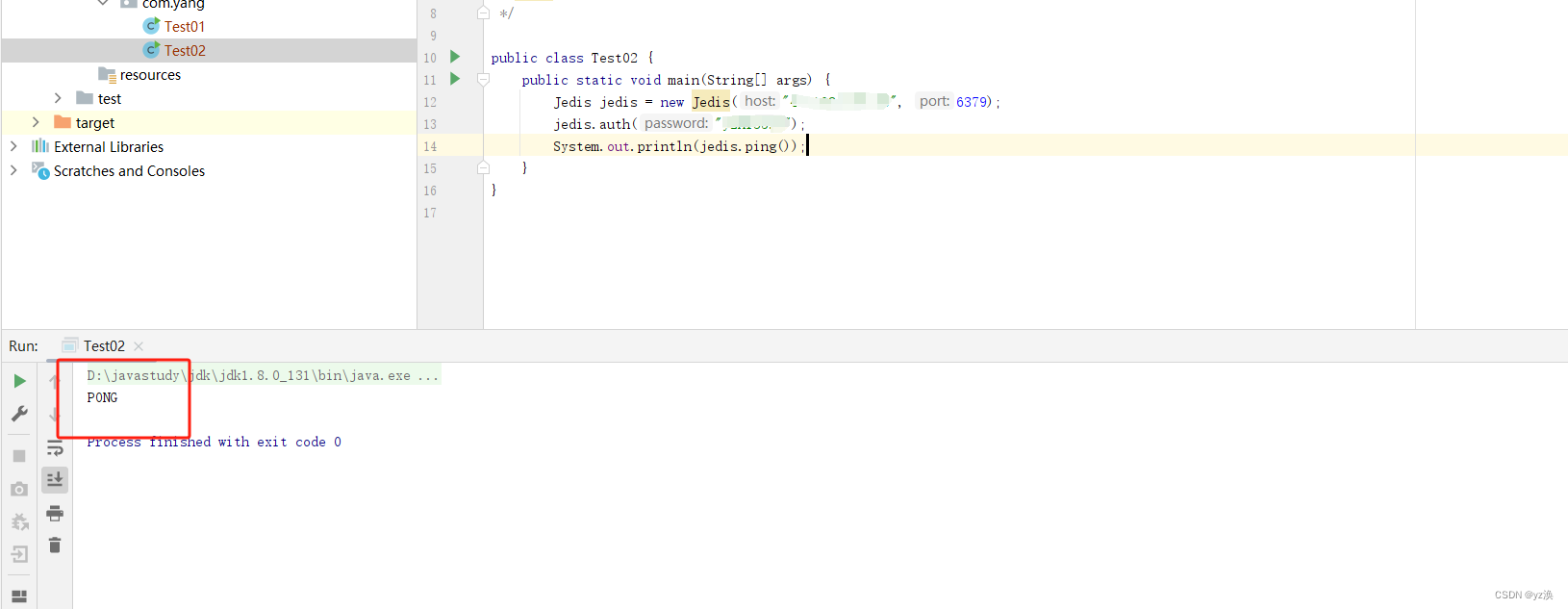
4.结果演示







![[云原生] 二进制安装K8S(上)搭建单机matser、etcd集群和node节点](https://img-blog.csdnimg.cn/direct/b8c13775a13e466ebcb9dac39503e983.png)

![[HarekazeCTF2019]encode_and_encode 不会编程的崽](https://img-blog.csdnimg.cn/direct/799c8b05e4964382b4f95d1f70a1b93b.png)