一、背景
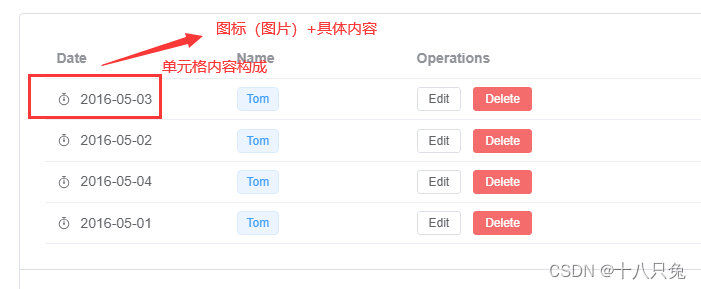
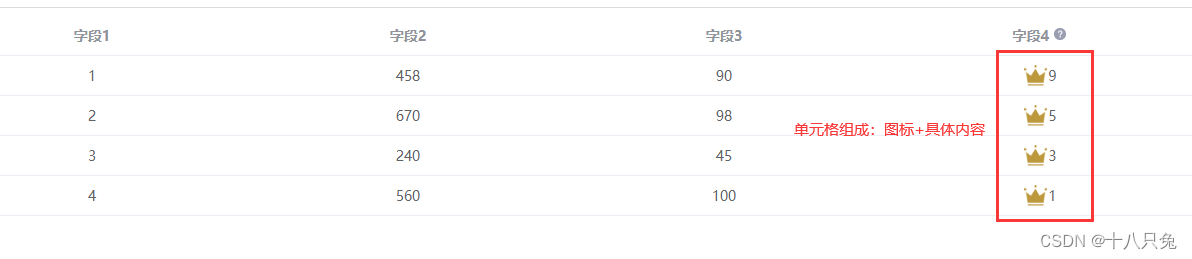
在Vue3项目中,想让单元格的内容是由 :图标+具体内容组成的,类似以下效果:
二、图标
- Element-Plus
可以在Element-Plus里面找是否有符合需求的图标 - iconfont
如果Element-Plus里面没有符合需求的,也可以在这里面找图标,种类更多,本博客中的图标就是在该平台的图标库找的
三、实现
1、具体需求
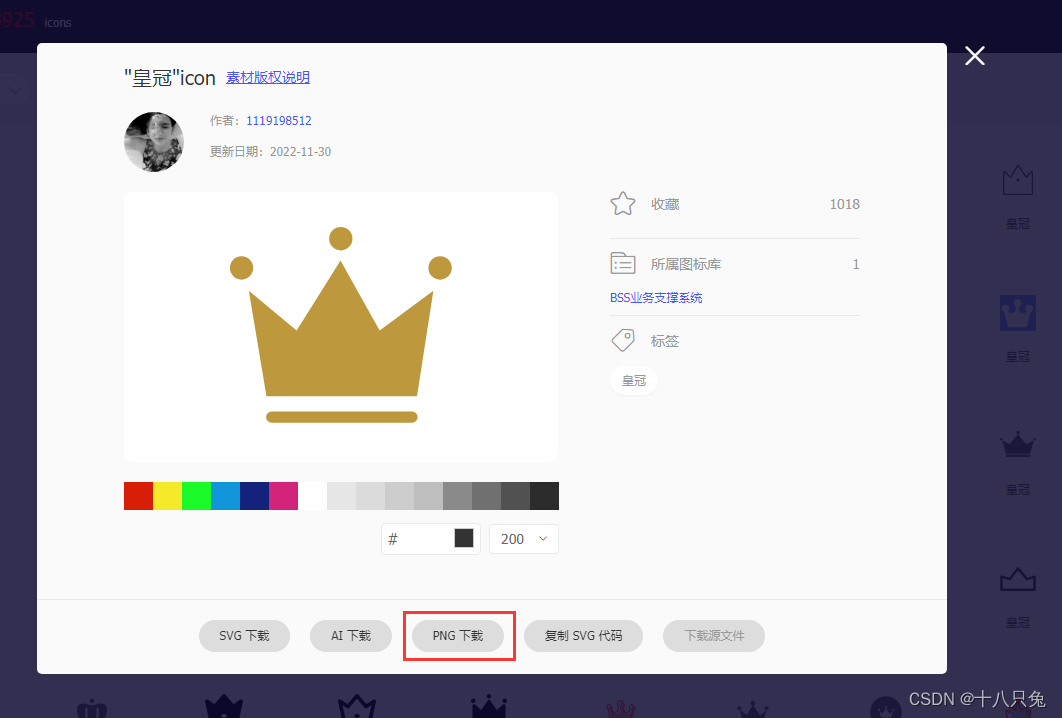
本文中,想将:皇冠图标+数字来显示会员的级别,于是在iconfont搜索皇冠:
- 搜索结果如下:
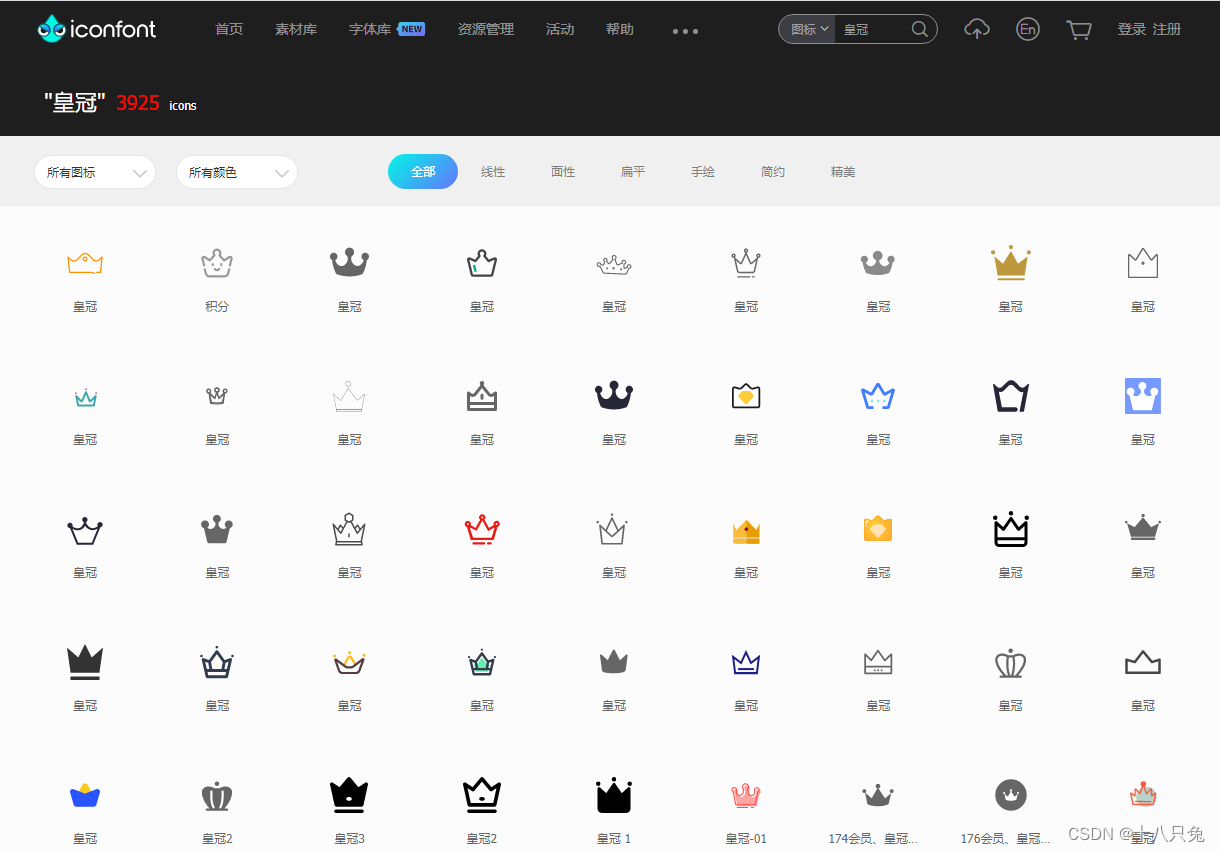
- 选择需要的图标以及下载方式即可:
(这里下载为图片)
2、单元格内容:图标+具体内容
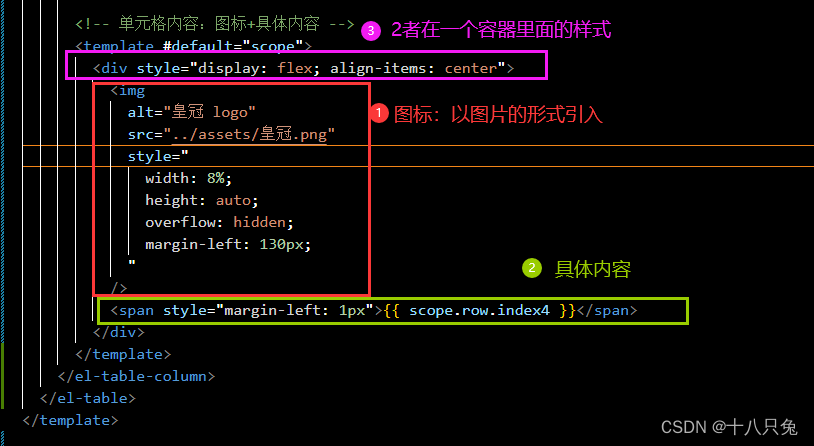
- 核心代码
将图标和具体内容放置在一个容器里面,其中图标是以图片的形式引入的:
- 完整代码
<template>
  <!-- 表格 -->
  <el-table
    :data="tableData"
    :header-cell-style="{ 'text-align': 'center' }"
    :cell-style="{ 'text-align': 'center' }"
  >
    <el-table-column prop="index1" label="字段1" />
    <el-table-column prop="index2" label="字段2" />
    <el-table-column prop="index3" label="字段3" />
    <el-table-column prop="index4" label="字段4">
      <!-- 字段触发提示 -->
      <template v-slot:header>
        <el-tooltip placement="top-start" effect="light">
          <!-- 触发提示内容 -->
          <template #content>
            <p class="content">提示内容1</p>
            <p class="content">提示内容2</p>
          </template>
          <span
            >字段4
            <el-icon color="#9a9eb1">
              <QuestionFilled />
            </el-icon>
          </span>
        </el-tooltip>
      </template>

      <!-- 单元格内容:图标+具体内容 -->
      <template #default="scope">
        <div style="display: flex; align-items: center">
          <img
            alt="皇冠 logo"
            src="../assets/皇冠.png"
            style="
              width: 8%;
              height: auto;
              overflow: hidden;
              margin-left: 130px;
            "
          />
          <span style="margin-left: 1px">{{ scope.row.index4 }}</span>
        </div>
      </template>
    </el-table-column>
  </el-table>
</template>
- 效果如下:

![[ 蓝桥杯Web真题 ]-冬奥大抽奖](https://img-blog.csdnimg.cn/direct/b1d4a220f7ef485c85f9daf669335ec5.png)

![[GPT]Andrej Karpathy微软Build大会GPT演讲(上)--GPT如何训练](https://img-blog.csdnimg.cn/direct/7a4a51ddd529497c875a511e80f6b415.png)