1.自己配置仓库和挂载
仓库内容如下

挂载

2.安装工具包
yum install -y yum-utils

3.从阿里云添加docker仓库
yum-config-manager --add-repo https://mirrors.aliyun.com/docker-ce/linux/centos/docker-ce.repo

我们就能查看到

4.cd回主目录开始一系列安装
yum install docker-ce docker-ce-cli containerd.io docker-compose-plugin
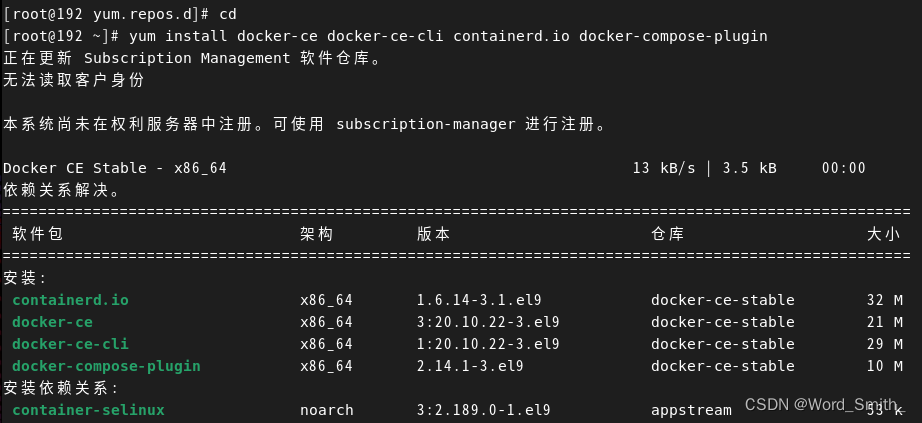
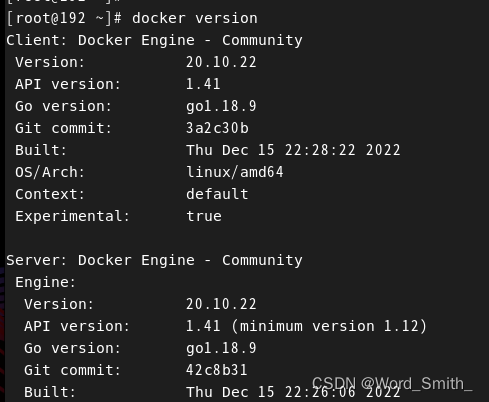
5.启动容器并查看状态

查看版本的方法 docker version
6.测试 docker run hello-world

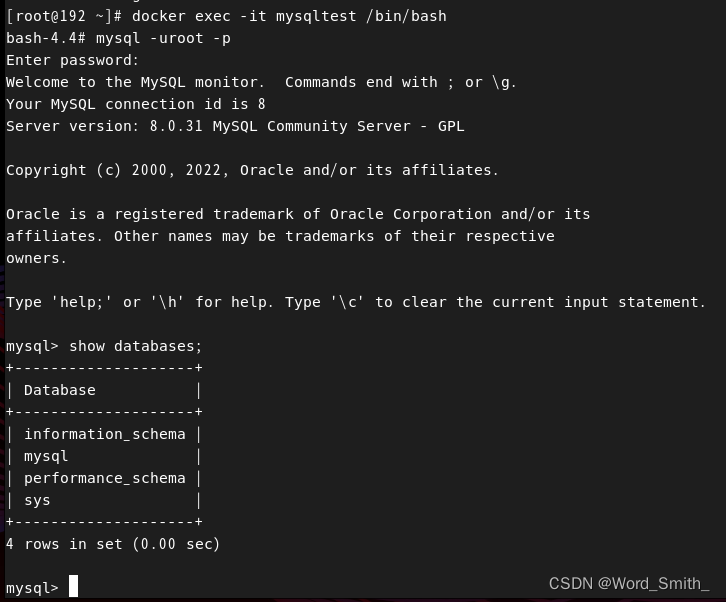
7.开始登录mysql
docker run --name mysqltest -e MYSQL_ROOT_PASSWORD=123456 -d mysql

docker ps

docker exec -it mysqltest /bin/bash






![[笔记] - springboot-jpa 使用sqlite 踩坑](https://img-blog.csdnimg.cn/img_convert/08eef9009cc26c1611732509fb6b842f.png)
